 Dineator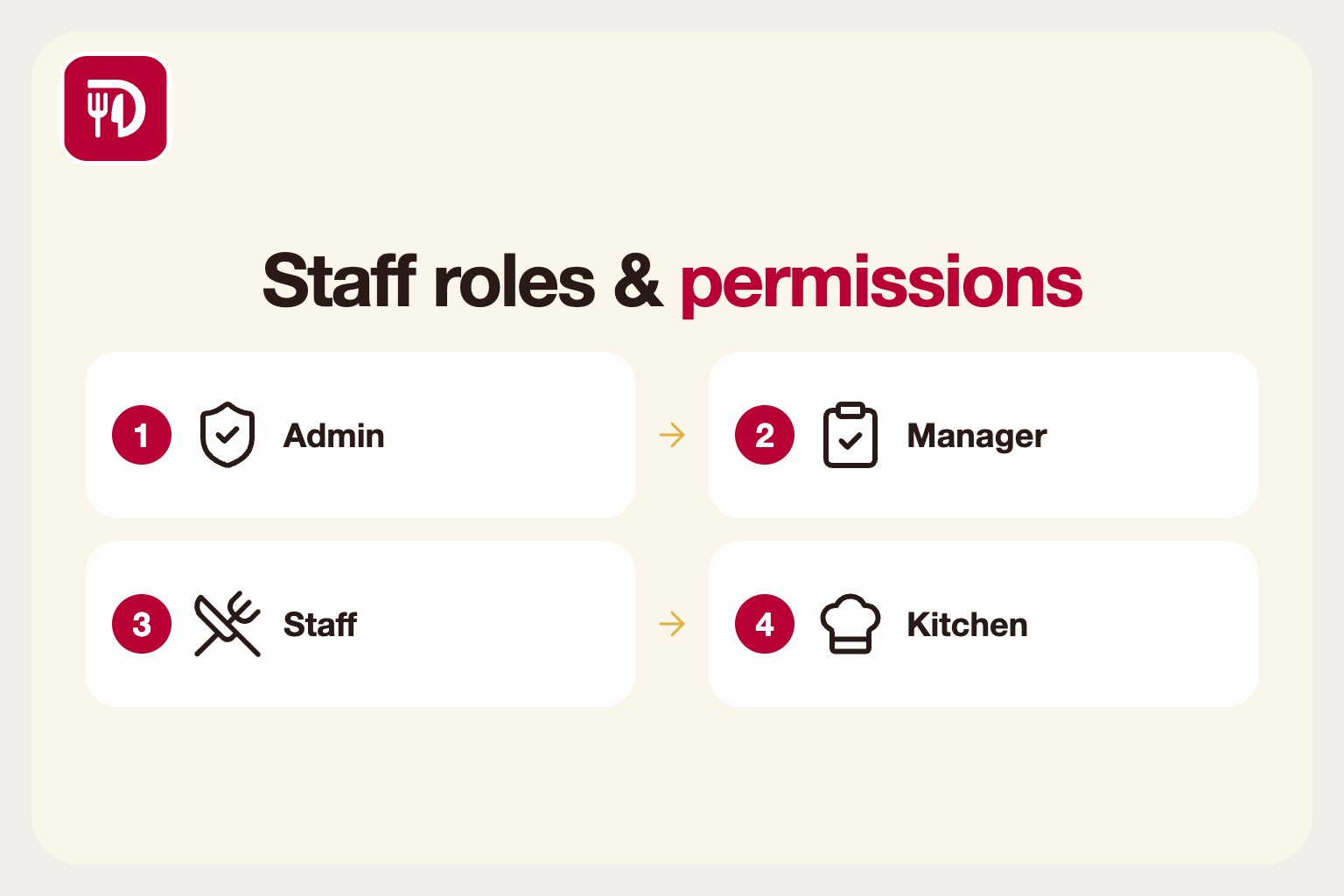
Why not everyone should see everything
In a restaurant, different people need different access. A server needs to take orders, a cook needs to see tickets, a manager needs to adjust prices and view reports, and an owner needs it all. Giving everyone the same login or the same permissions is a security and accuracy risk.
It is also simply confusing. A server who sees only the screens they need makes fewer wrong taps than one navigating settings they should never touch.
Common roles
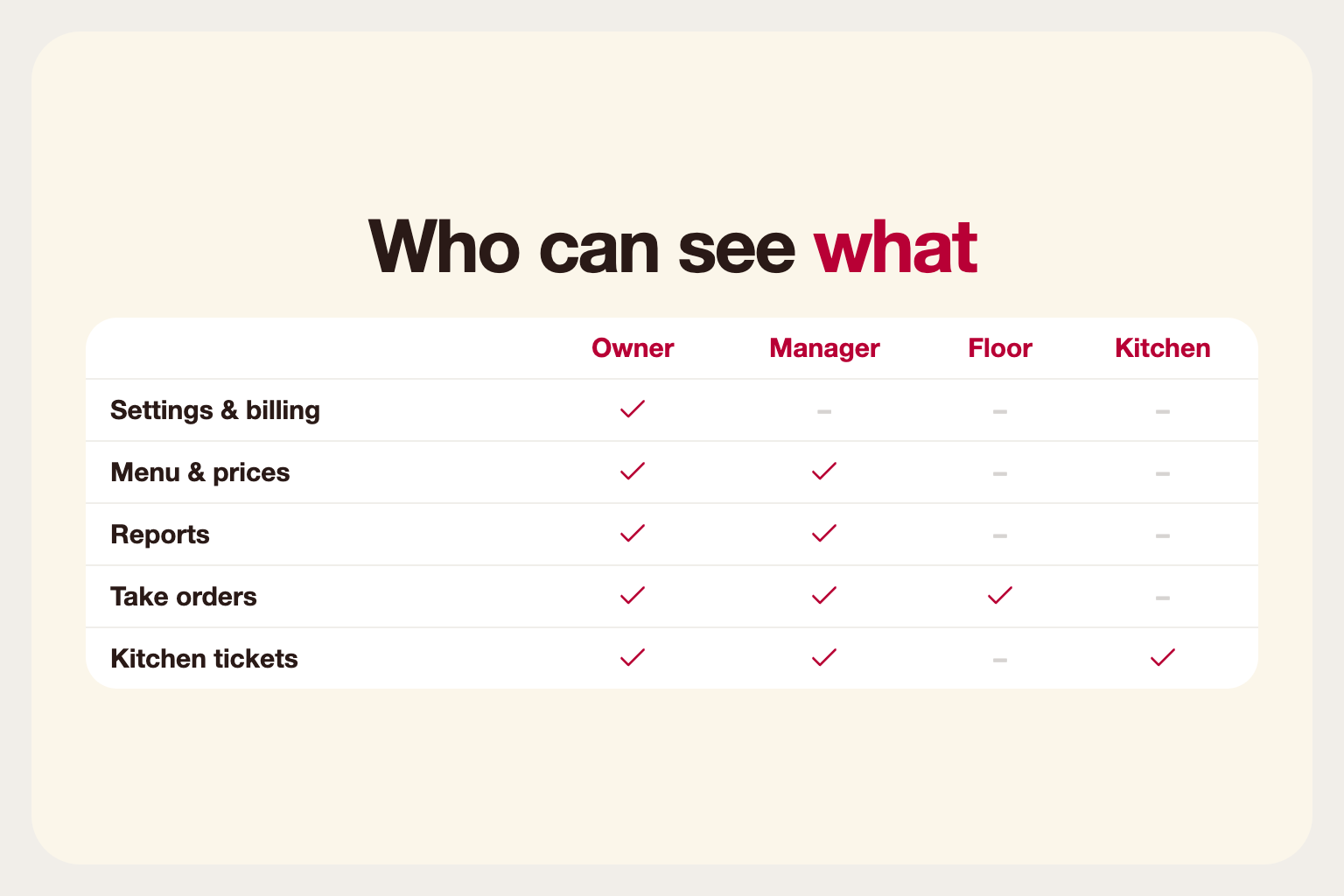
Owner or admin: full control of settings, staff and billing.
Manager: day-to-day control, such as menu changes, discounts, reservations and reports.
Floor staff: take orders, manage tables and handle service requests.
Kitchen: see and update order tickets, without access to sales or settings.
Your restaurant may have more, such as a bartender, a host or an accountant who only needs reports. The point is to name each real job and decide what it needs.
The principle of least privilege
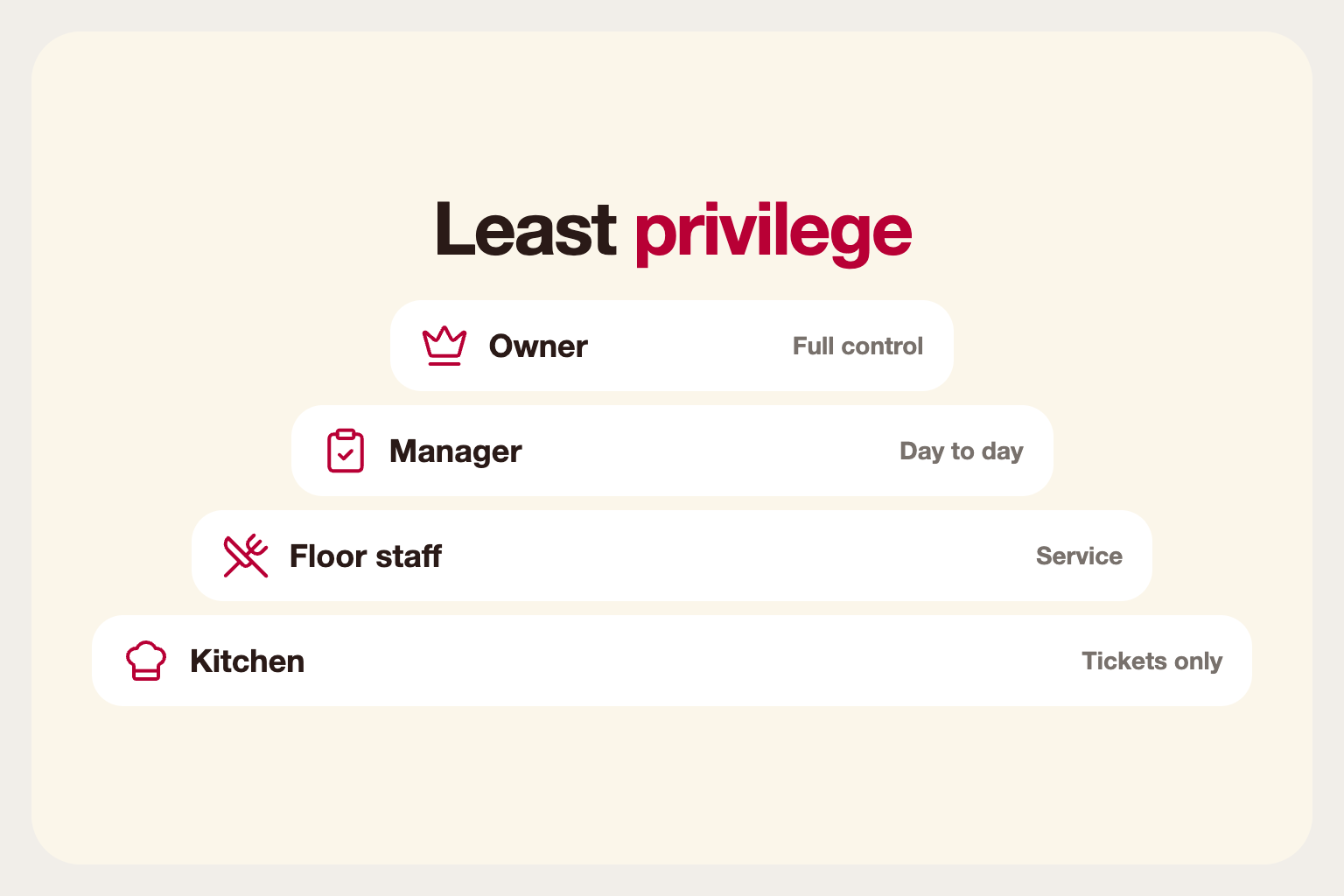
Give each person only what they need to do their job. A server does not need to edit menu prices or see the month's revenue. Limiting access reduces honest mistakes as well as the chance of misuse, and it limits the damage if a password is ever stolen.
When unsure, start narrow and widen access when someone asks. It is much easier to grant a permission than to explain why someone could see something they should not.
Individual logins matter
Shared logins hide who did what. With individual accounts, refunds, discounts and voids can be traced to a person, which protects honest staff as well as the business. When something looks wrong at the end of the night, you can see where it came from instead of guessing.
When someone leaves, you disable one account instead of changing a shared password and telling everyone. That is faster and far less likely to be forgotten.
Protect the sensitive actions
Some actions deserve extra care: refunds, discounts above a threshold, voiding a paid order, changing prices and exporting customer data. Keep these for managers and owners, and review them regularly. If a certain action is often needed during service, consider a manager approval step rather than giving everyone the permission.
Set up new staff quickly and safely
Onboarding should be fast so that nobody is tempted to borrow a colleague's login. Create the account, assign the role, and have the new person sign in on their first shift. Give them a short briefing on what they can do and what to ask a manager for.
Use strong, unique passwords and encourage staff to sign in on personal devices only when you have agreed to it.
Multiple locations and temporary staff
If you run more than one location, keep access per location where possible. A manager at one site does not usually need to change another site's menu. For seasonal or agency staff, create accounts with an end date or remove them as soon as their contract ends.
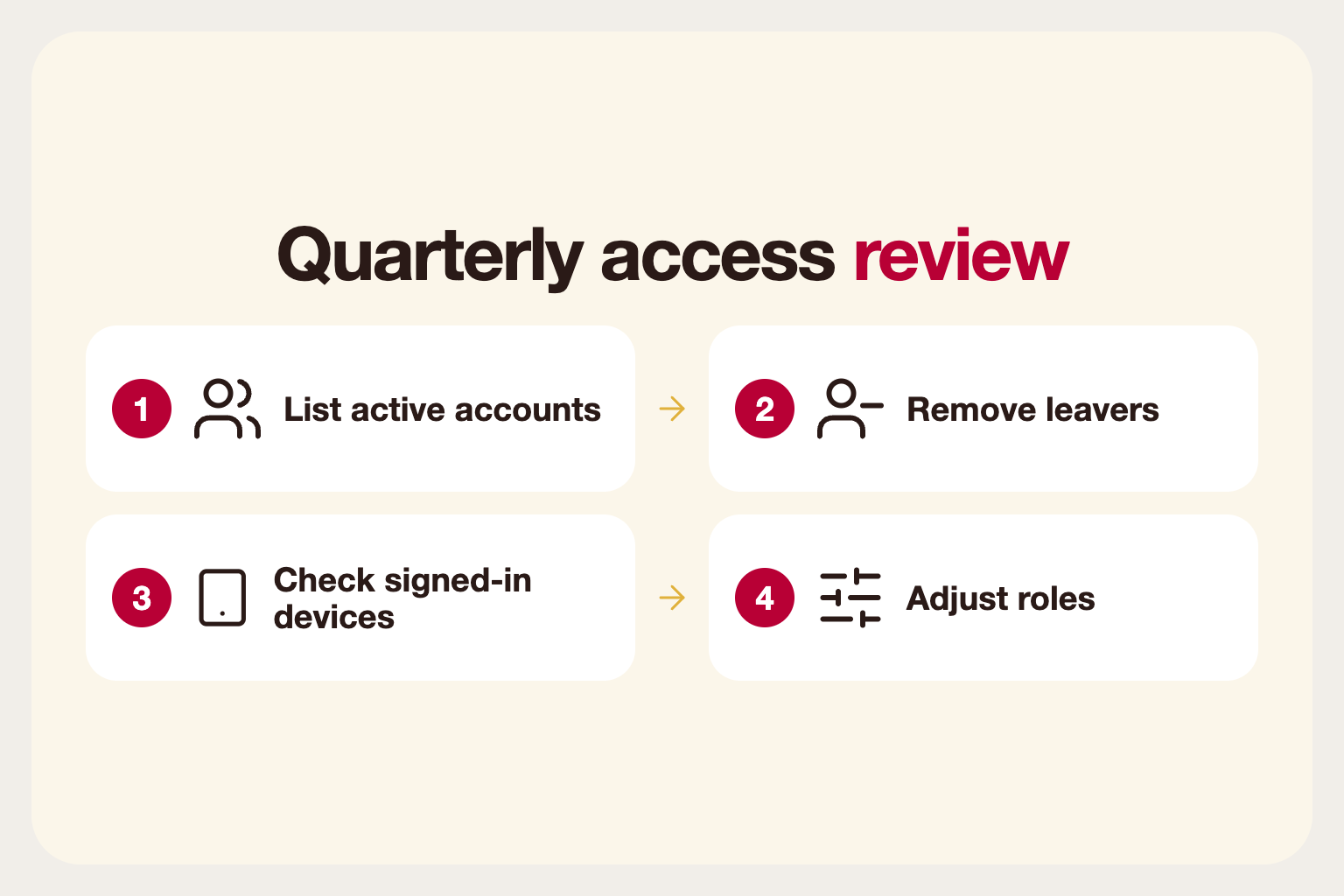
Review the list of active devices as well as accounts. A forgotten tablet signed in as a manager is a common weak spot.
Train people on the why
Staff follow rules more willingly when they understand them. Explain that individual logins protect them as well as the business: if a till is short, it is clear whose shift it was and nobody is blamed unfairly.
Include account security in onboarding: do not share passwords, lock the screen when stepping away and report a lost phone straight away. A five-minute briefing prevents most avoidable problems.
Review access regularly
Roles drift. A seasonal worker becomes a shift lead, someone leaves, someone moves between locations. Review who has access every few months and remove what is no longer needed. Check that devices are signed out when staff leave, especially shared tablets and personal phones used for work.
Good permissions are quiet when they work. Staff do their jobs, the owner trusts the numbers and nobody has to think about it.