Your restaurant. Your brand. Your customers.

Your own website, direct and QR ordering, and customers you can reach again.

Free plan, no contract, your own branded website.
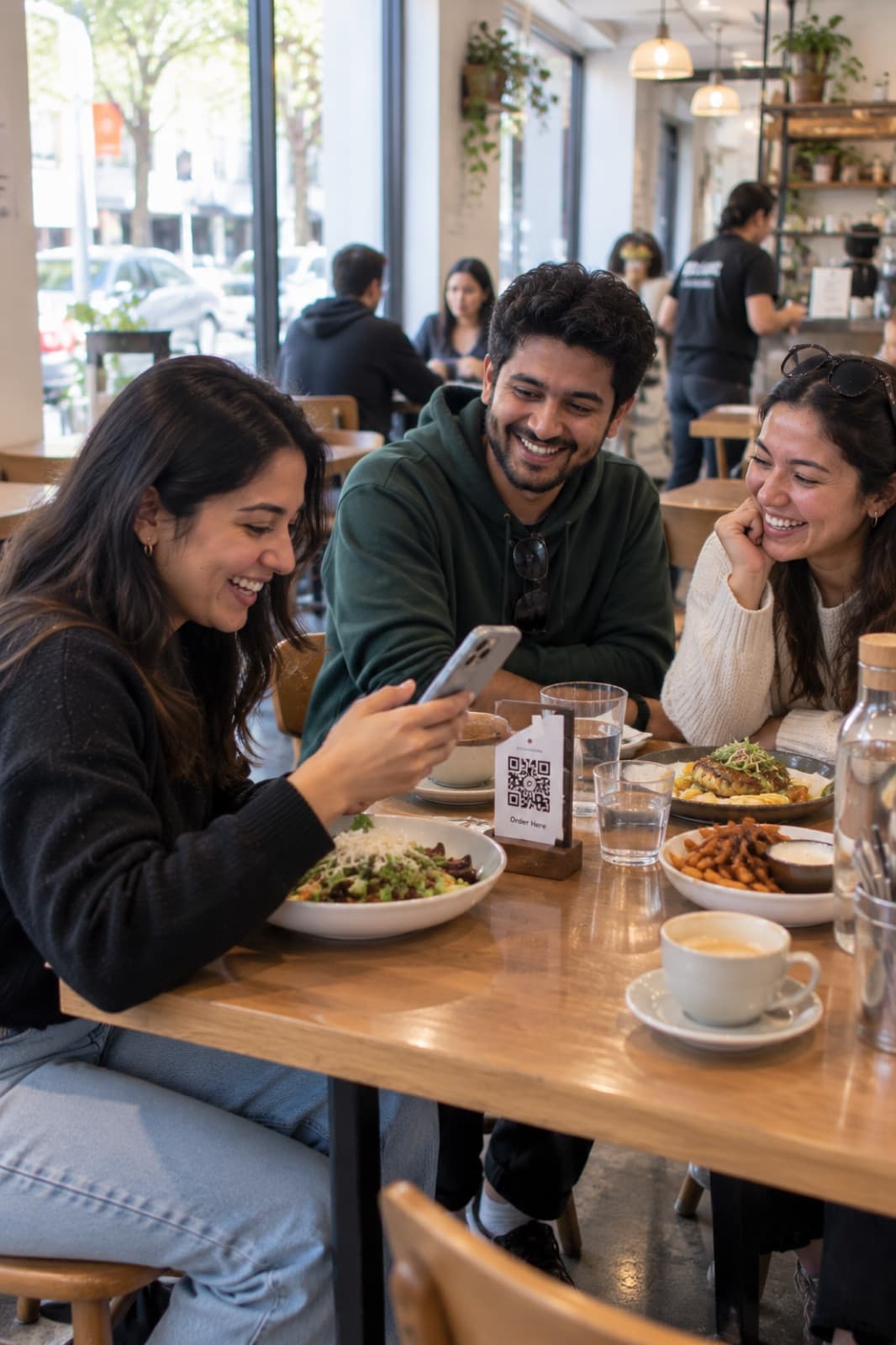
Three friends at a cafe table, one ordering on her phone from the table's QR code

Every order, one system.

Marketplaces bring orders, but they keep the relationship. Here is what changes when the guest orders from you.

  1. Your website

    Pickup and delivery, ordered from you

  2. Table QR codes

    Guests order from their own phone

  3. Staff at the POS

    Waiter and counter orders

  4. Uber Eats

    Keep it if it works for you

Dineator

One menu and one price list. Change it once and it is right everywhere.

  • Kitchen display

    Tickets by station, from new to ready

  • Customer list

    Every direct order, table order and booking. Uber Eats guests stay Uber Eats customers.

  • Sales reports

    Top dishes, peak hours and a monthly PDF

Direct ordering on your own website
A cut of every marketplace order. Guests order pickup and delivery from your site. You pay a small Dineator platform fee per order, shown in your admin before you take one, instead of a marketplace commission. Keep Uber Eats if it works for you: those orders land on the same kitchen screen.
A branded site with your menu
A listing, not a website. Your logo, photos, hours and live menu at your own web address, with ordering built in. Change a price once and it is right on the site, the QR menu and the till.
A customer list that grows itself
Customers you cannot reach again. Every direct order, table order and booking adds to a guest profile you can see, so you know your regulars and can bring quiet ones back.
One system from table to kitchen
Five tools that do not talk. QR table ordering, the kitchen display, reservations, menus and sales reports share the same data, so nobody re-types an order.

See the screens your team will use

Real Dineator screens with sample data.
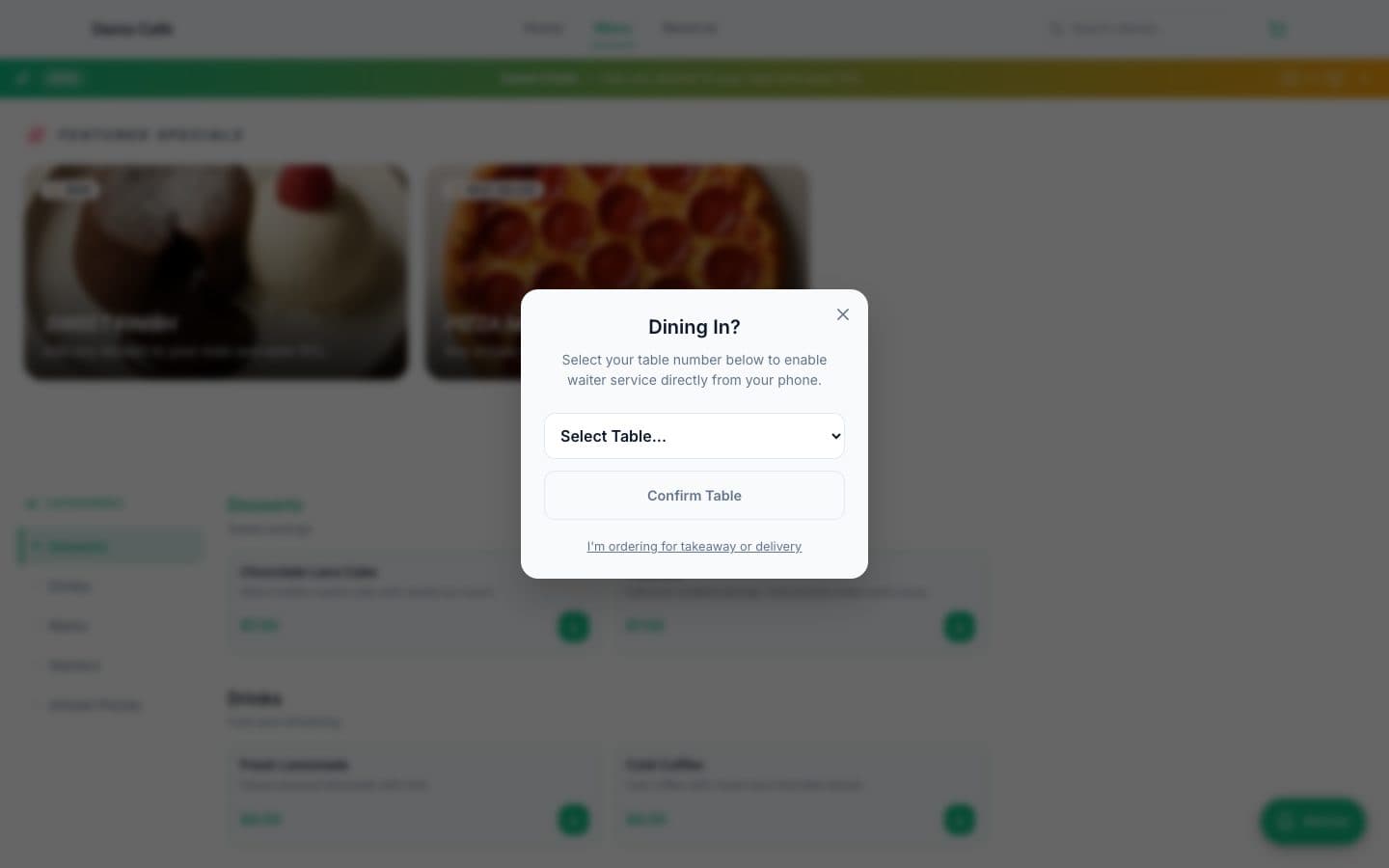
  1. A guest scanning a table QR code

    Guests order from the table

    A QR code on every table opens your live menu. Guests browse, order and call for the waiter or the bill without flagging anyone down.
    • Custom QR cards for every table
    • Call the waiter, ask for water or the bill
    • Menus can follow a weekly schedule
    Step through it in the product tour
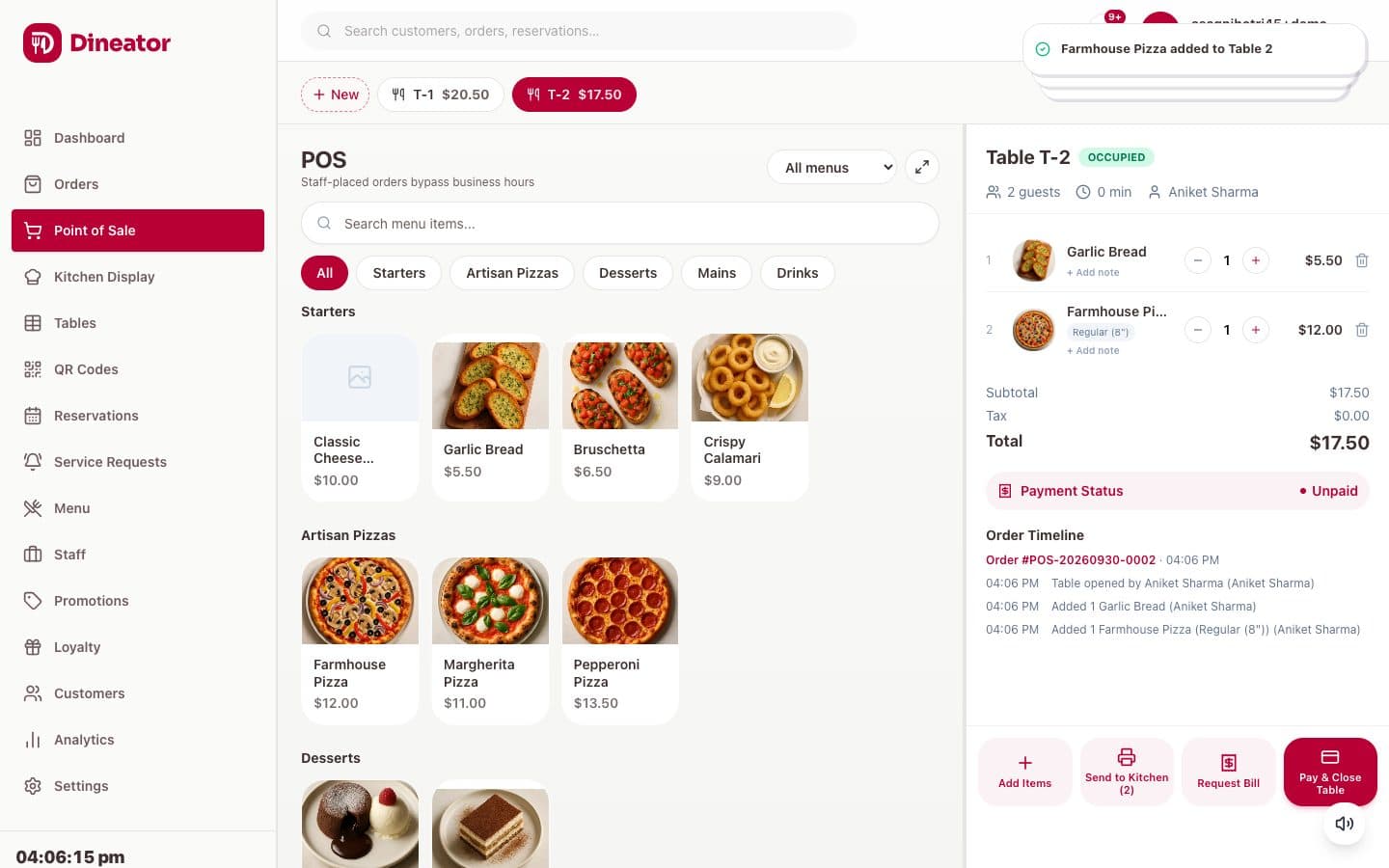
  2. A chef plating a dish at the pass

    Tickets reach the kitchen instantly

    Orders appear on the kitchen display as they are placed and update live as they move from new to ready.
    • Kitchen stations for each part of the line
    • Live status updates, no paper runners
    • Waiter alerts when a table needs attention
    Step through it in the product tour
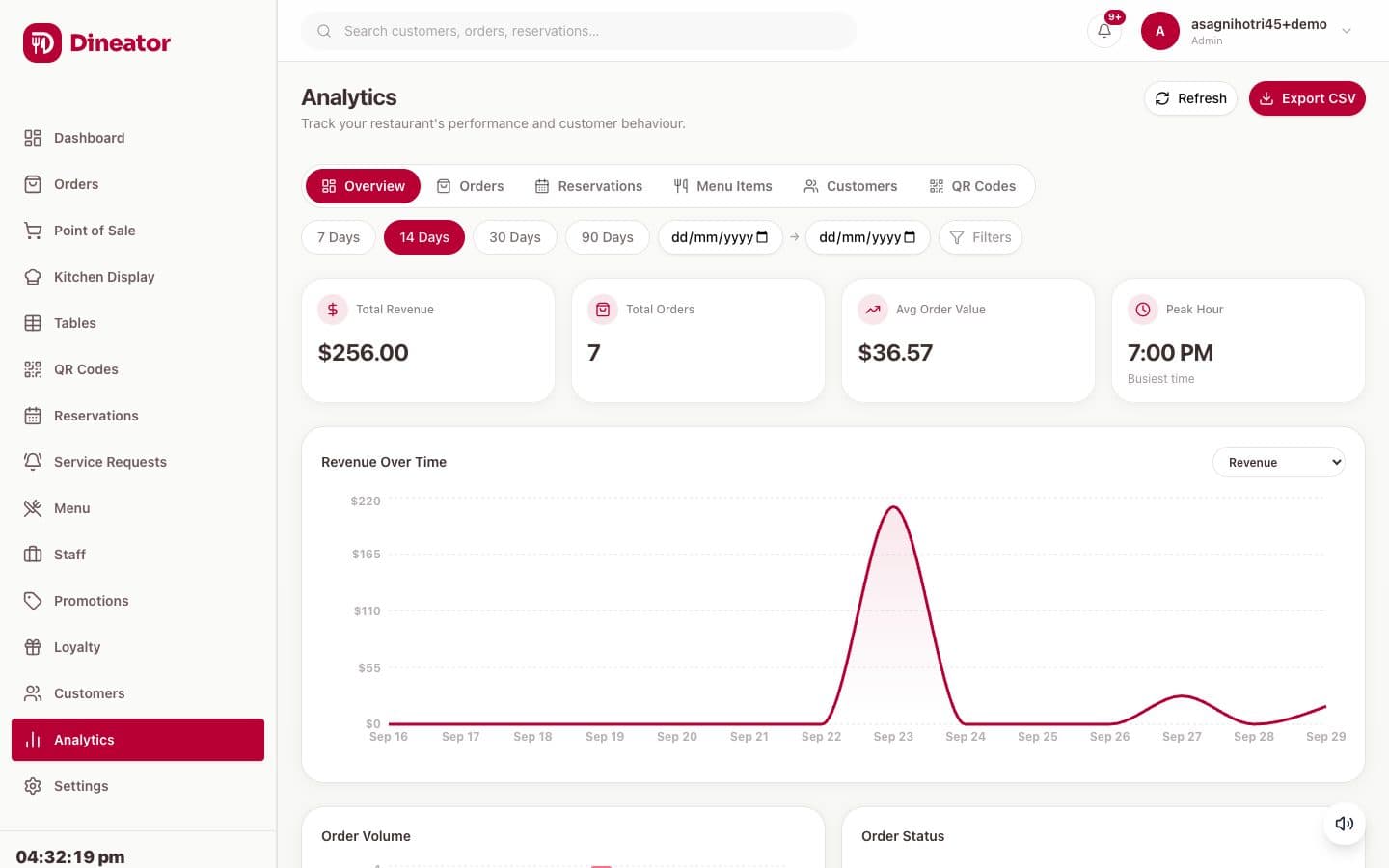
  3. A restaurant dining room in the evening

    See what is working

    Track sales, top dishes and peak hours, and get a monthly report by email.
    • Sales, top dishes and peak hours
    • Monthly PDF report for the owner
    • Analytics per restaurant
    Step through it in the product tour
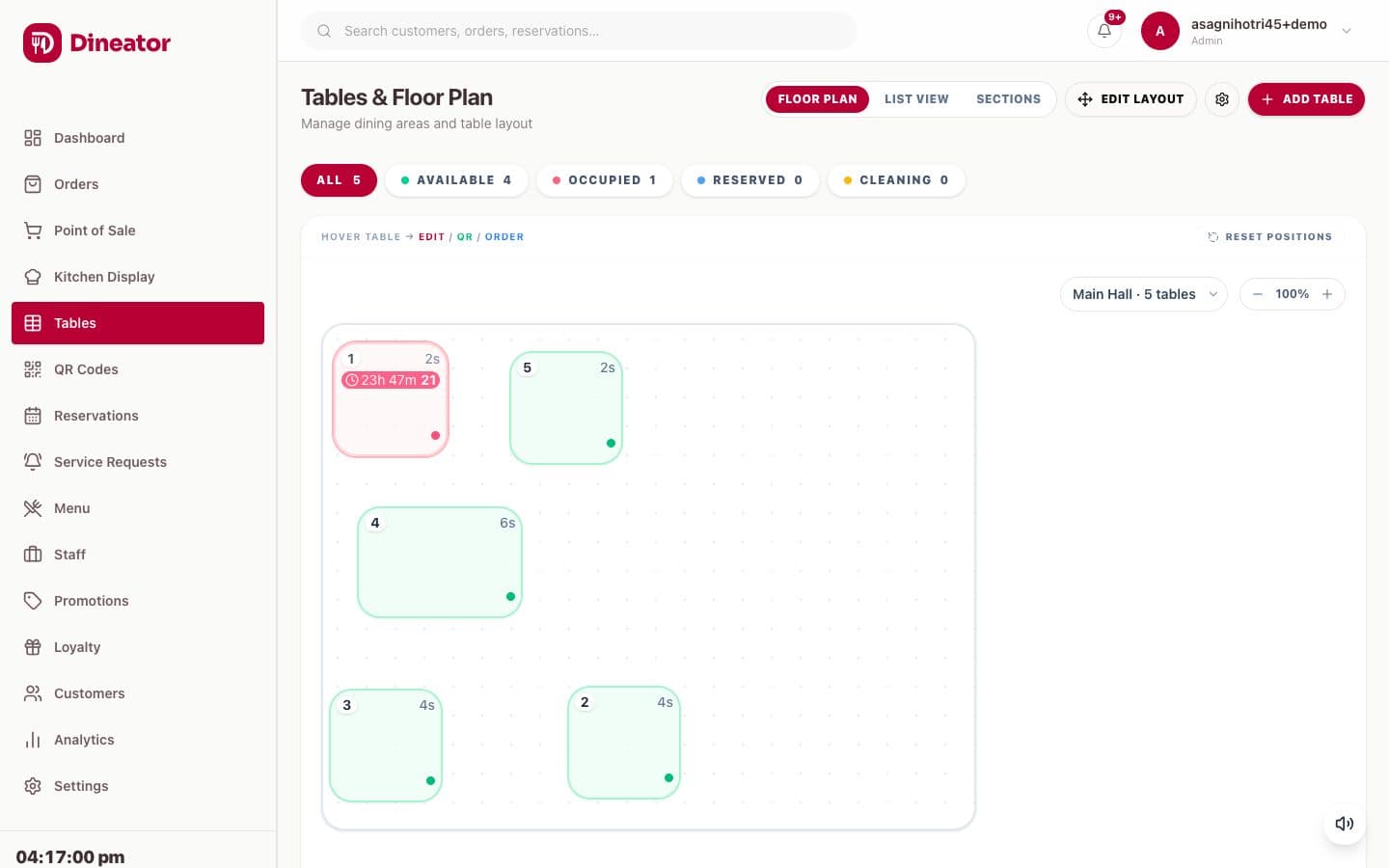
  4. A cafe counter with a tablet point of sale

    Everyone gets the right access

    Give each person a role so they see only what they need, across one restaurant or several.

    • Admin, Manager, Staff and Kitchen roles
    • Multiple locations in one dashboard
    • Plan limits shown up front
    Step through it in the product tour

Your customers should belong to your business.

  • Profiles fill in from direct orders, QR table orders and bookings: order history, spend, visits, loyalty points and staff notes.
  • Message one guest by email or SMS, with SMS sent only where consent is recorded.
  • Automations send an offer when a rule matches, such as no visit in 30 days or a fifth order.
  • Loyalty points and tiers, coupons and offers you can limit to chosen menus.

You see the details guests give you when they order or book with you. Orders placed on Uber Eats arrive in your kitchen, but those guests stay Uber Eats customers.

Guest

Sample guest

Regular tier, 320 points

Orders
14
Bookings
3
Spent
$412
Last visit
9 days
  • Dine-in, table 6, QR order
  • Pickup, ordered on your website
  • Booking for 4, Friday 7:30 pm
Automation

No visit in 30 days

Sends 10% off by email. Matches this guest in 21 days.

Built for how you serve.

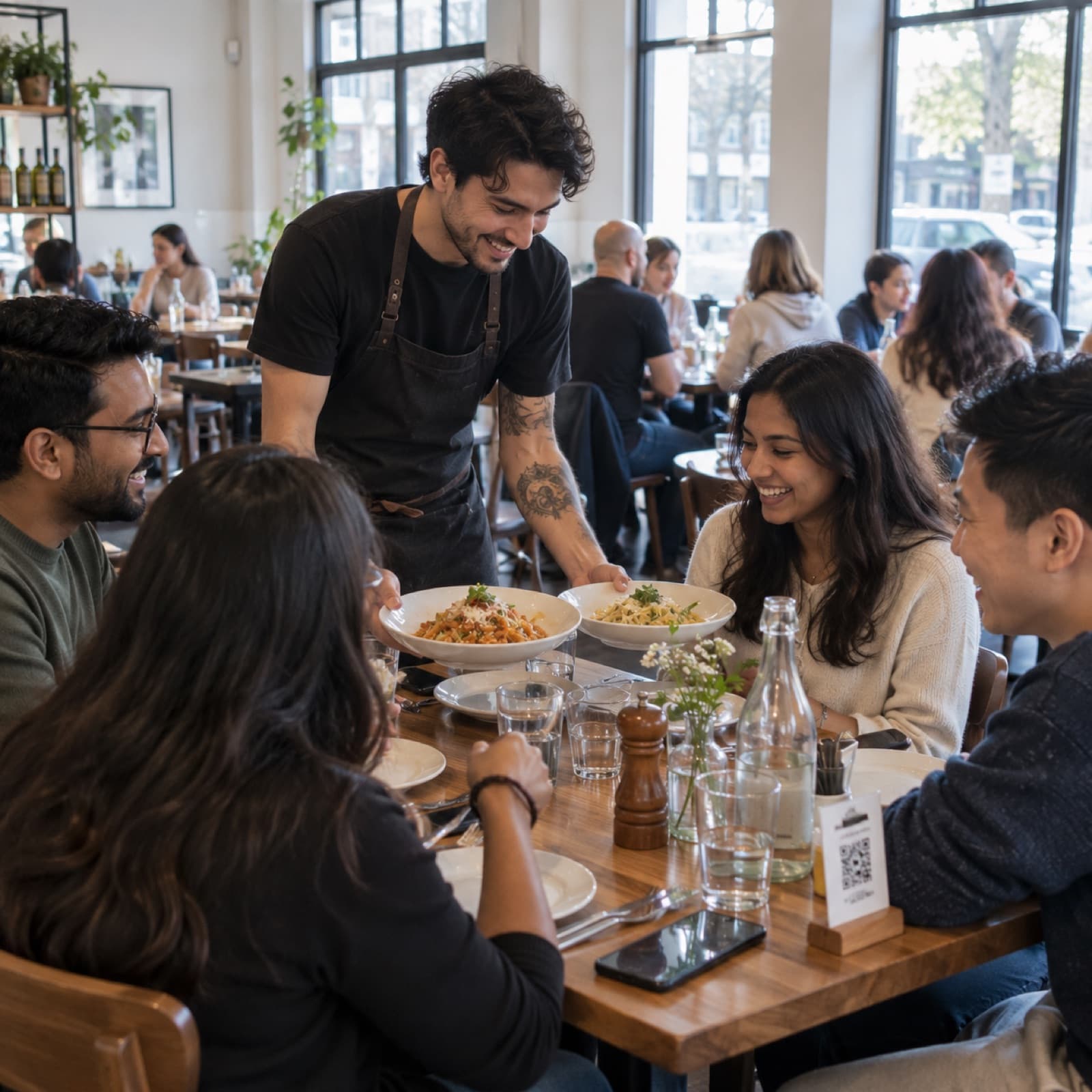
A server bringing plates to a table of friends at a bistro
Start with the free plan
Restaurants and bistros
QR ordering at the table, reservations with a floor plan, and tickets on the kitchen display.
Cafes and bakeries
Pickup orders from your site and menus that switch between breakfast and lunch on a schedule.
Quick service
Kitchen stations for each part of the line and order status that updates from new to ready.
Pubs and bars
Keep a table open while guests keep ordering from their phones, and settle once at the end.
Several locations
Every outlet in one dashboard, with roles so each person sees only what they need.
Opening your first place
Website, menu and table QR codes live in an afternoon on the free plan.

Running on Dineator

Two restaurants, on their own websites.
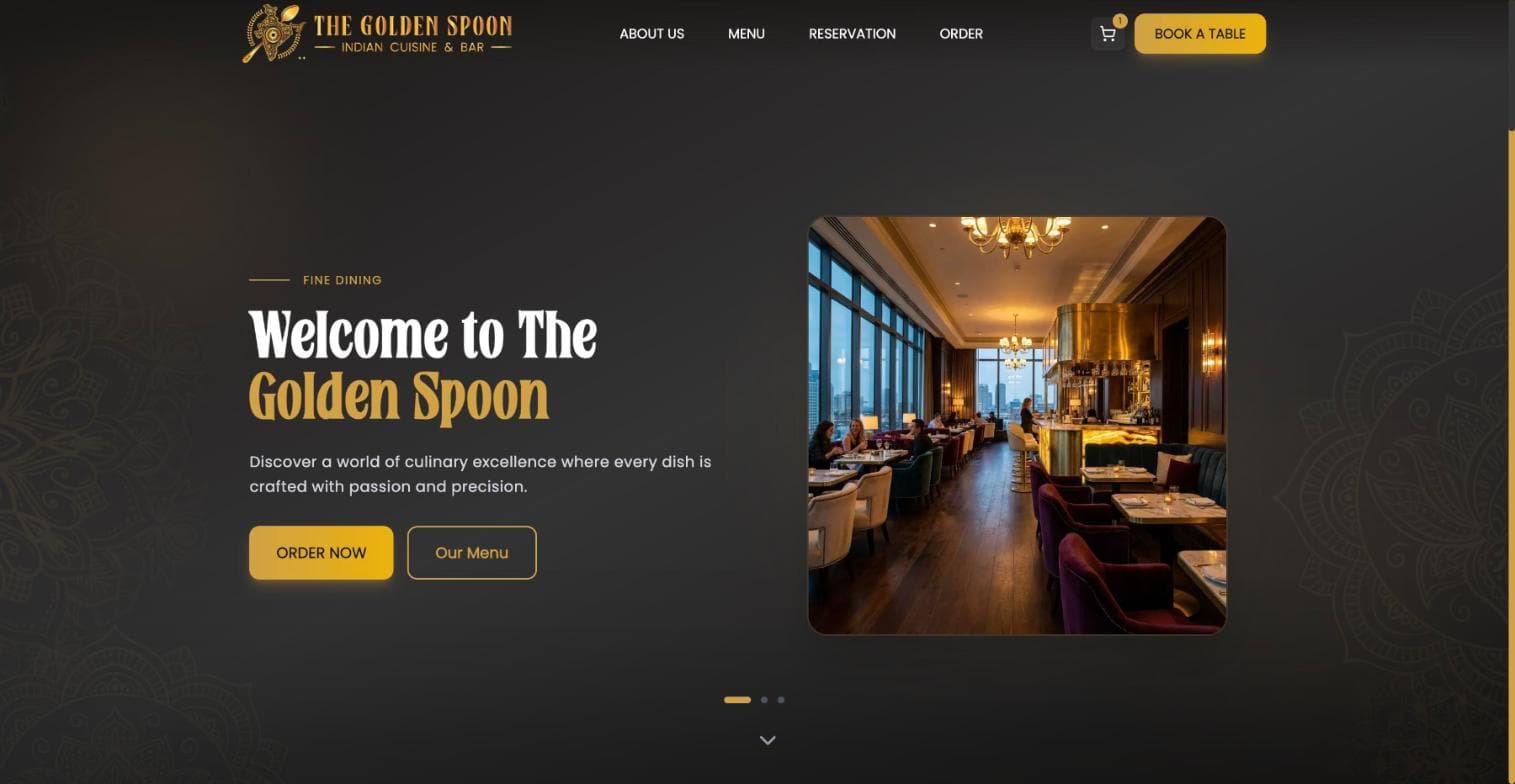
The Golden Spoon website, powered by Dineator
The Golden SpoonIndian cuisine and bar, Kalgoorlie WAVisit their site
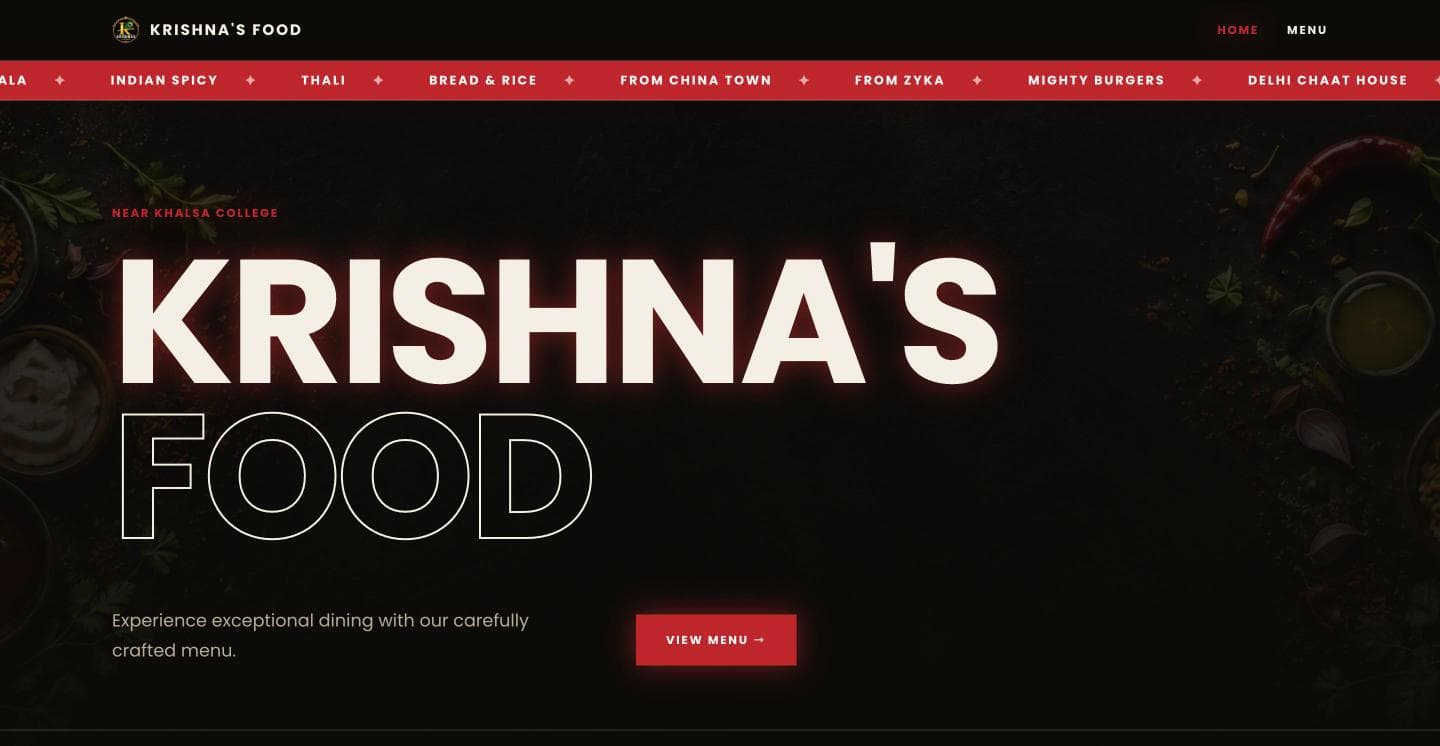
Krishna's Food website, powered by Dineator
Krishna's FoodRestaurant on DineatorVisit their site

Simple pricing

Start free. Upgrade when you need more.

Compare plans in detail

Questions, answered

Do I get my own restaurant website?

Yes. Every restaurant gets a branded website with your logo, photos, hours and live menu, with online ordering built in.

Can customers order directly from my website?

Yes. Guests place pickup and delivery orders on your site, and those orders land on the same kitchen screen as table orders.

Do my guests need to install an app?

No. Guests scan the table QR code and order in their phone browser.

How much does it cost?

Every plan and its price is on the pricing page, including any per-order fee. There is no setup fee and no contract.

Are there any per-order fees?

It depends on your plan, and each plan card says so. Where a Dineator platform fee applies, your rate is shown under Admin, Fees before you take orders, and you get a weekly statement. Card processing fees from your payment provider are separate.

Can I see who my customers are?

Yes. Direct orders, QR table orders and bookings build a profile for each guest with order history, spend, visits, loyalty points and notes. Uber Eats orders reach your kitchen, but those guests stay Uber Eats customers.

Can I run marketing to my customers?

Yes. Send offers and coupons, message a guest by email or SMS (SMS only where consent is recorded, using prepaid SMS credits), and set automations, such as an offer when a regular has not visited in 30 days.

Can I run more than one location?

Yes. Add more restaurants to one account and switch between them from one login. The number depends on your plan.

How does the kitchen see orders?

Orders show up on a live kitchen display and update in real time as staff move them from new to preparing to ready.

Who can see what?

Each team member has a role (Admin, Manager, Staff or Kitchen), and the app only shows the controls that role is allowed to use.

Do you send reports?

Yes. Each restaurant receives a monthly PDF report with sales and performance highlights.