 Dineator
How Dineator works
one place.
Here is what you do once to get started, and then one order followed from the guest's phone to the kitchen to your reports.
Part one, once
Getting started
No hardware to order and no sales call. Most of setup is your menu.
Setup checklist
Setup- Create your account
- Add your menu
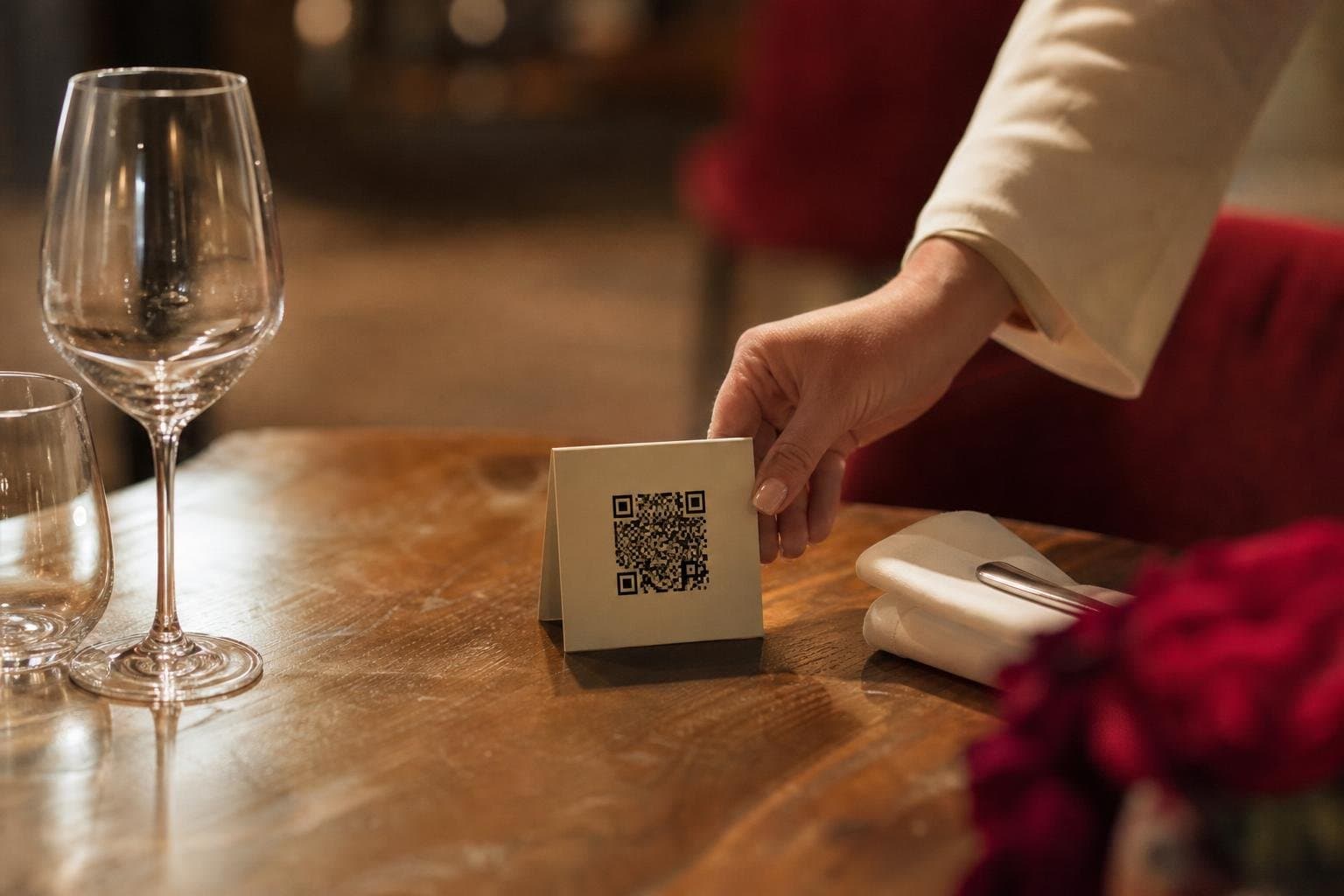
- Print your QR codes
- Take your first order
Live demo with sample data.
- 1Create your accountName, email and restaurant name. You get your own web address straight away.
- 2Add your menuCategories, dishes, prices and photos, then modifiers and the hours each menu is live.
- 3Choose how you take ordersTurn on pickup, delivery and dine-in. Add your tables and print their QR codes.
- 4Connect paymentsLink your own Stripe, Square or Helcim account. Card fees are your provider's, and any Dineator fee on your plan is shown before you go live.
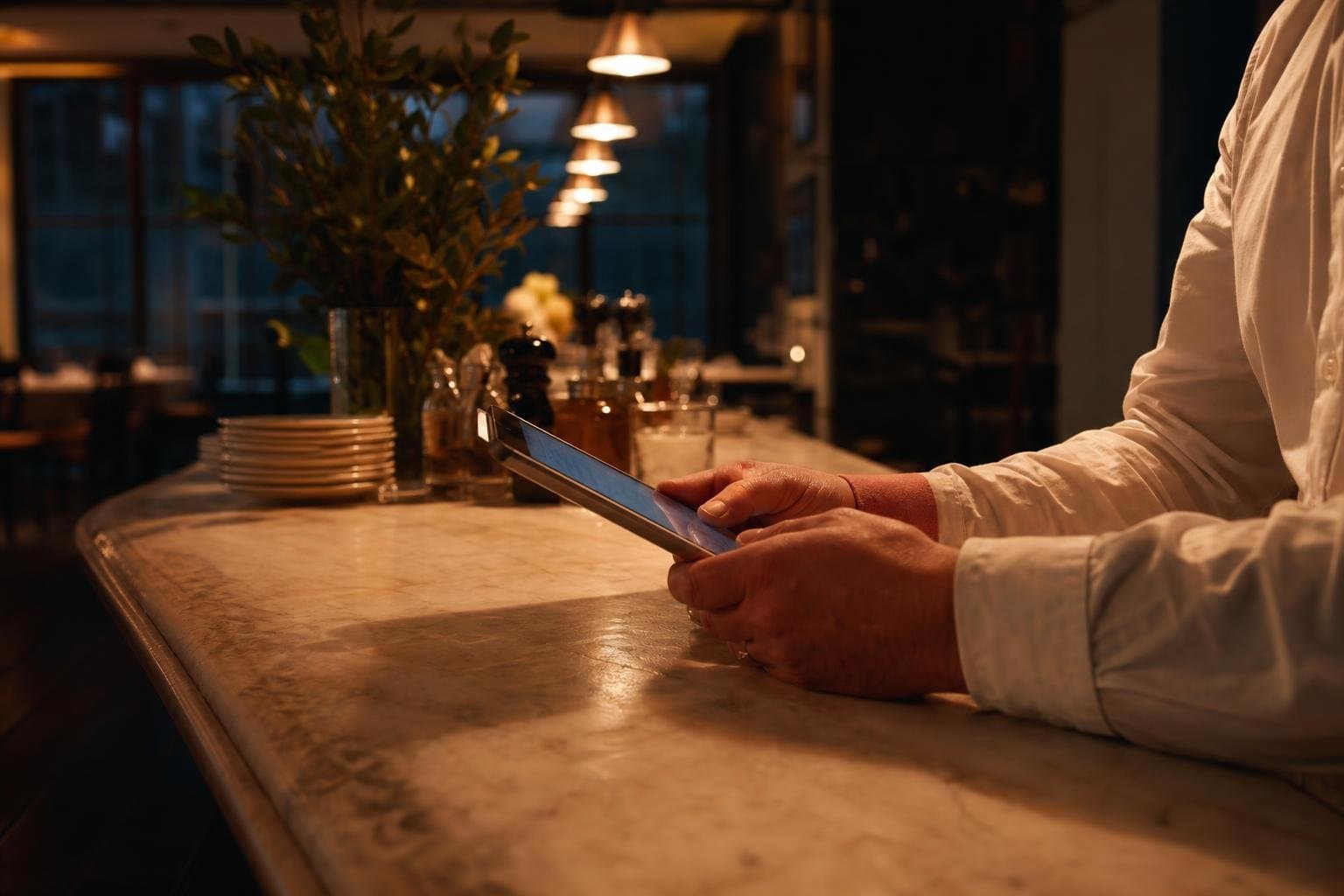
- 5Invite your teamManagers, servers and kitchen staff, each with the right role. They sign in on the web or the staff app.
- 6Go liveShare your link, put the QR codes on the tables and take your first order.
Stuck on a step? We'll help you set it up.

Part two, every day
One order, three points of view.
Follow table 7's order through the guest, your staff and you.
Orders in a few taps, without waiting to be noticed.
- 01Finds youThrough your website, Google, Instagram or the QR code on the table.
- 02Opens your menuOn your own site, in your colours. No app to download.
- 03Chooses and customisesSize, extras and a note for the kitchen. Sold-out dishes are already hidden.
- 04Orders and paysAt the table it goes on the running bill. Pickup and delivery are paid online.
- 05Follows the orderA tracking page shows when it is being prepared and when it is ready.
- 06Asks for helpTaps to call a server or ask for the bill, without waving.
Table QR code
Table 4Live demo with sample data.
Why it works: one record.
Every order updates all six of these at once. That is the difference between one system and six apps that each need to be told.
See it with a real restaurant.
Step through the real Dineator screens yourself. No sign-up, no sales call.
Take the full guided tourQuestions, answered
Creating the account takes a few minutes. Most of setup is entering your menu. Turning on ordering, printing QR codes and inviting staff is quick, and we can help if you get stuck.
Your menu is all you need to start.
Set up in an afternoon. No hardware, no contract.