 Dineator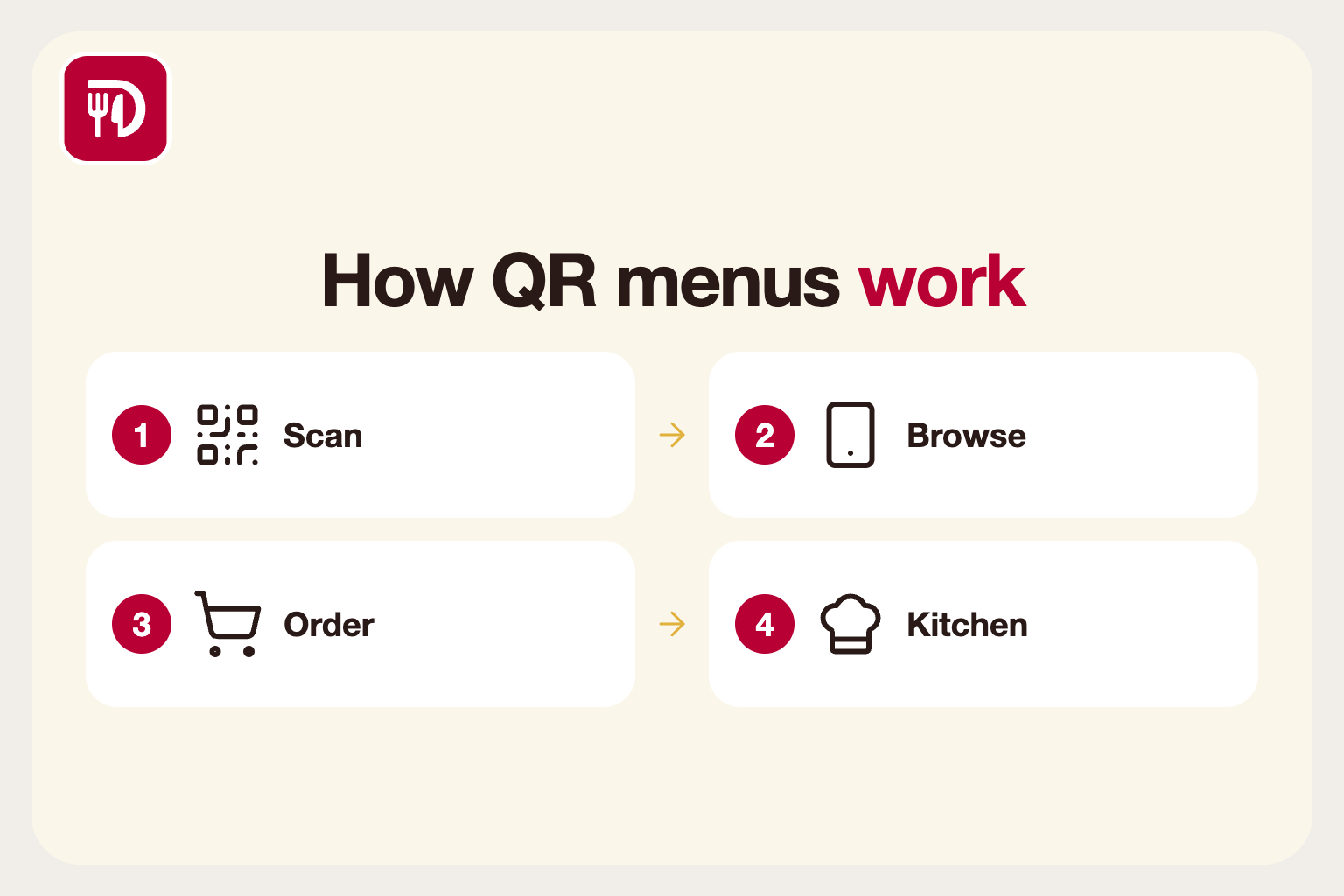
What a QR code menu actually is
A QR code menu is a printed or displayed square code that opens your menu on a guest's phone. The code itself is just a web address. Scan it with the phone camera and the browser opens a page you control, with no app to install and nothing to download.
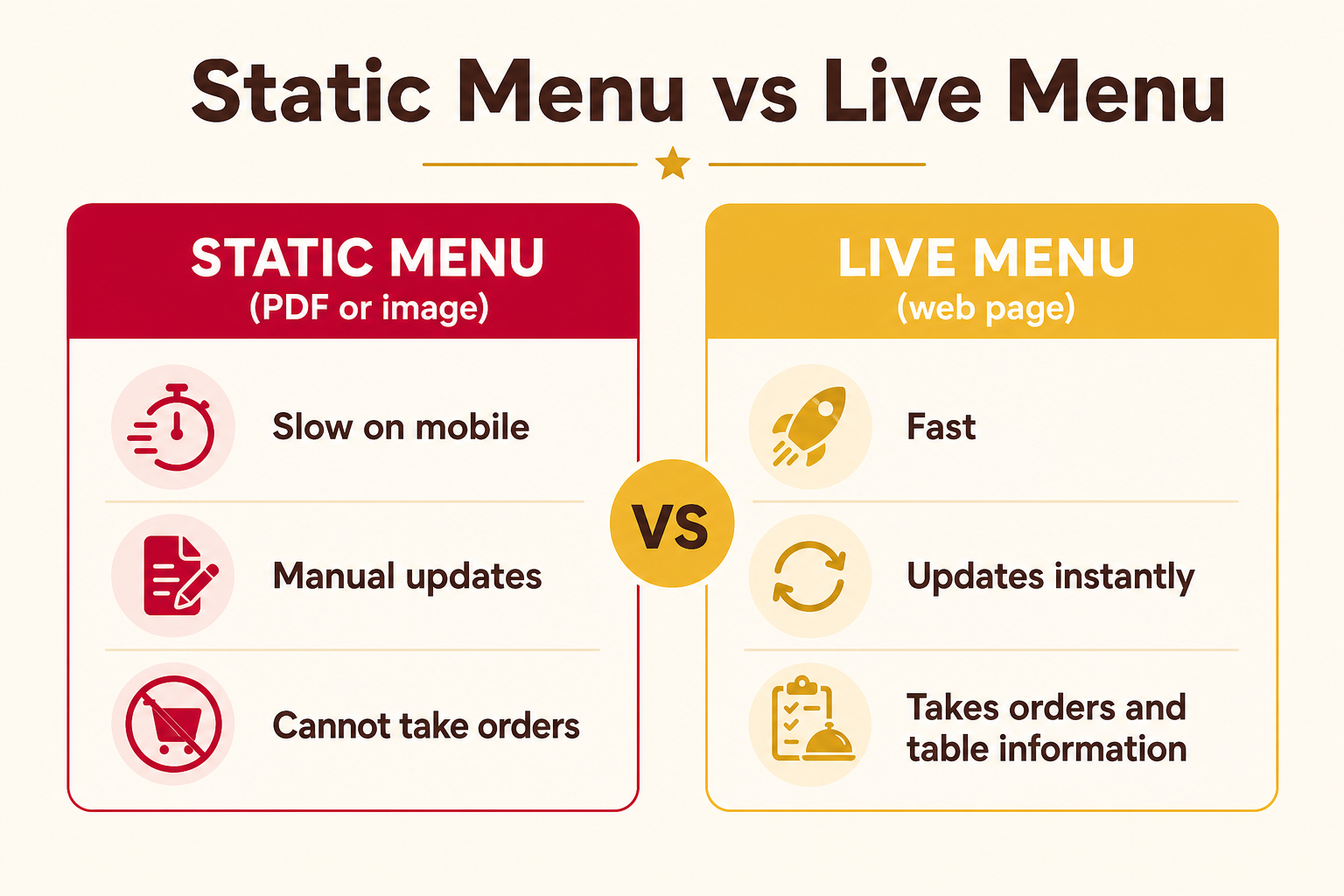
There are two flavours. A static menu is a PDF or image of your paper menu. A live menu is a real web page backed by your menu data, so prices, descriptions and availability update the moment you change them. Live menus can also take orders, which is where most of the value is.
Thinking of the code as a doorway rather than a menu helps. What matters is what is behind it: how fast the page loads, how easy it is to read on a small screen and whether the guest can actually do something once they are there.
Why restaurants adopt them
The first reason is cost and speed. Reprinting menus every time a price changes or a dish sells out is slow and wasteful. With a live menu, an edit takes seconds and every table sees it immediately. An eighty-sixed dish simply disappears instead of disappointing a guest after they have already chosen it.
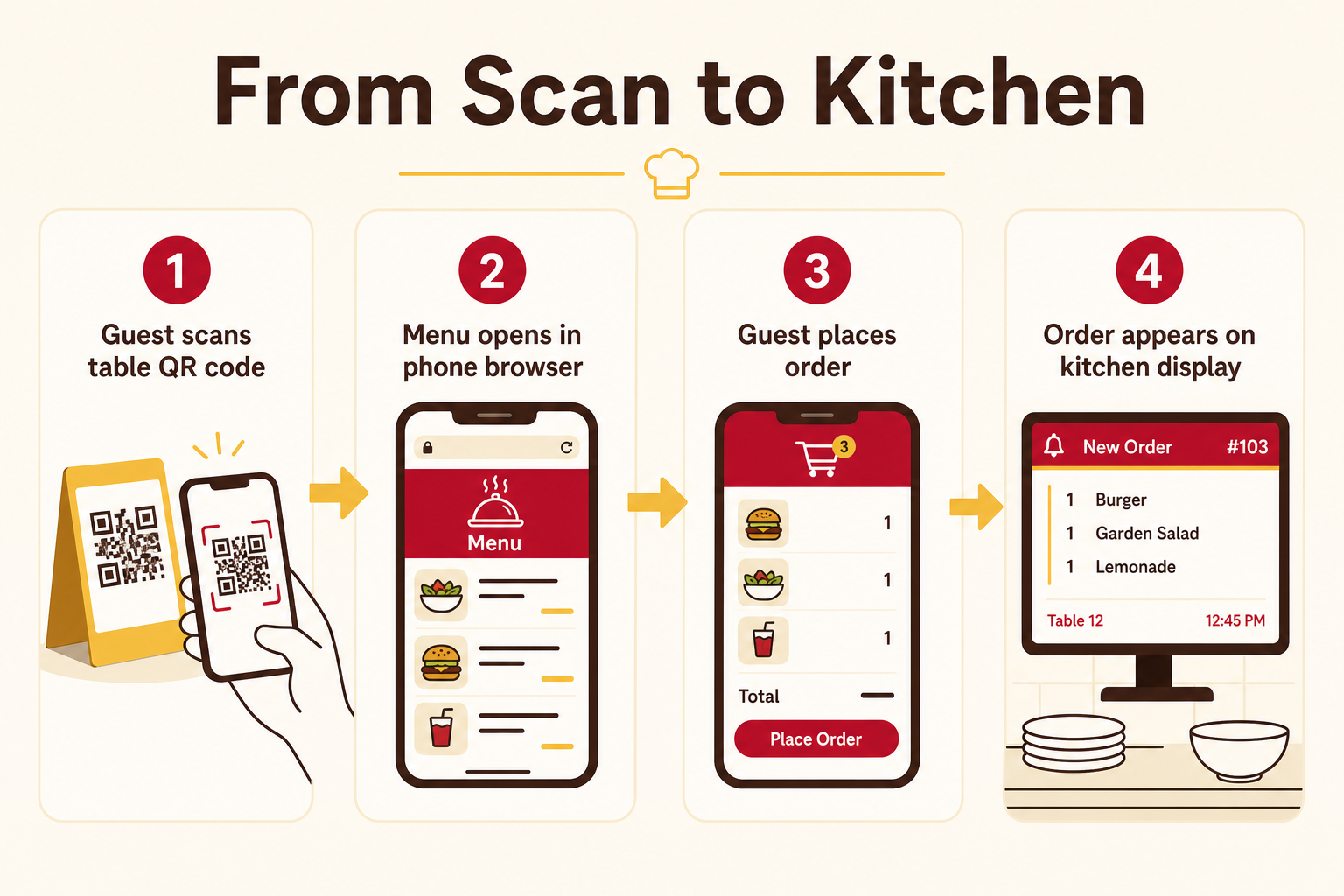
The second is the order flow. When guests can order from the table, the order goes straight to the kitchen display instead of passing through a handwritten ticket. That removes a common source of mistakes, such as illegible handwriting, a forgotten modifier or an allergy note that never reaches the cook.
The third is staff time. Servers spend less time walking back and forth to take simple orders and more time on the guests who want help or a recommendation. During a rush, that can be the difference between a table waiting ten minutes for a drink order and getting it straight away.
Static versus live menus
A PDF menu is the easiest to start with, and it is better than nothing. But it is slow to open on mobile data, awkward to pinch and zoom, impossible to search and cannot take an order. Every price change means exporting and uploading a new file, so the online version tends to drift out of date.
A live menu is built from structured data: categories, items, prices, photos, dietary tags and modifiers. The same data can drive the table menu, an online ordering page and the point of sale, so you update it once. If you run lunch and dinner menus, a live menu can also show or hide each one on a schedule.
One code per table
The most useful setup gives every table its own code. When a guest scans it, the system already knows which table the order belongs to, so nobody has to type a table number. Staff can see running orders per table, and a guest can call a waiter, ask for water or request the bill from the same page.
Place the code where guests will see it right away: a table tent, a sticker on the table edge or a small stand. Add a short line such as "Scan to see the menu and order". Guests who have never used one will otherwise hesitate, and a visible instruction saves your staff from explaining it to every table.
Use a durable finish. Codes get wiped with sanitiser dozens of times a day, so laminated or sealed stock lasts far longer than paper. Keep a spare set so a worn or damaged code can be replaced during service.
Common mistakes to avoid
Linking to a heavy PDF is the most common one. PDFs are slow on mobile data, hard to read on a small screen and cannot take orders. Use a mobile-first page instead, and keep photos compressed so the page opens in a couple of seconds even in a basement dining room with weak signal.
Another is forgetting guests who do not want to use their phone. Keep a few paper menus on hand or let staff take orders from the same system, so nobody feels forced. Older guests, children without phones and people with a flat battery all exist.
Finally, test the code on both iPhone and Android, in the room's actual lighting, before printing a hundred of them. A glossy finish that reflects the ceiling lights can make a code hard to scan, and a code printed too small will not scan from a table's edge.
A simple launch checklist
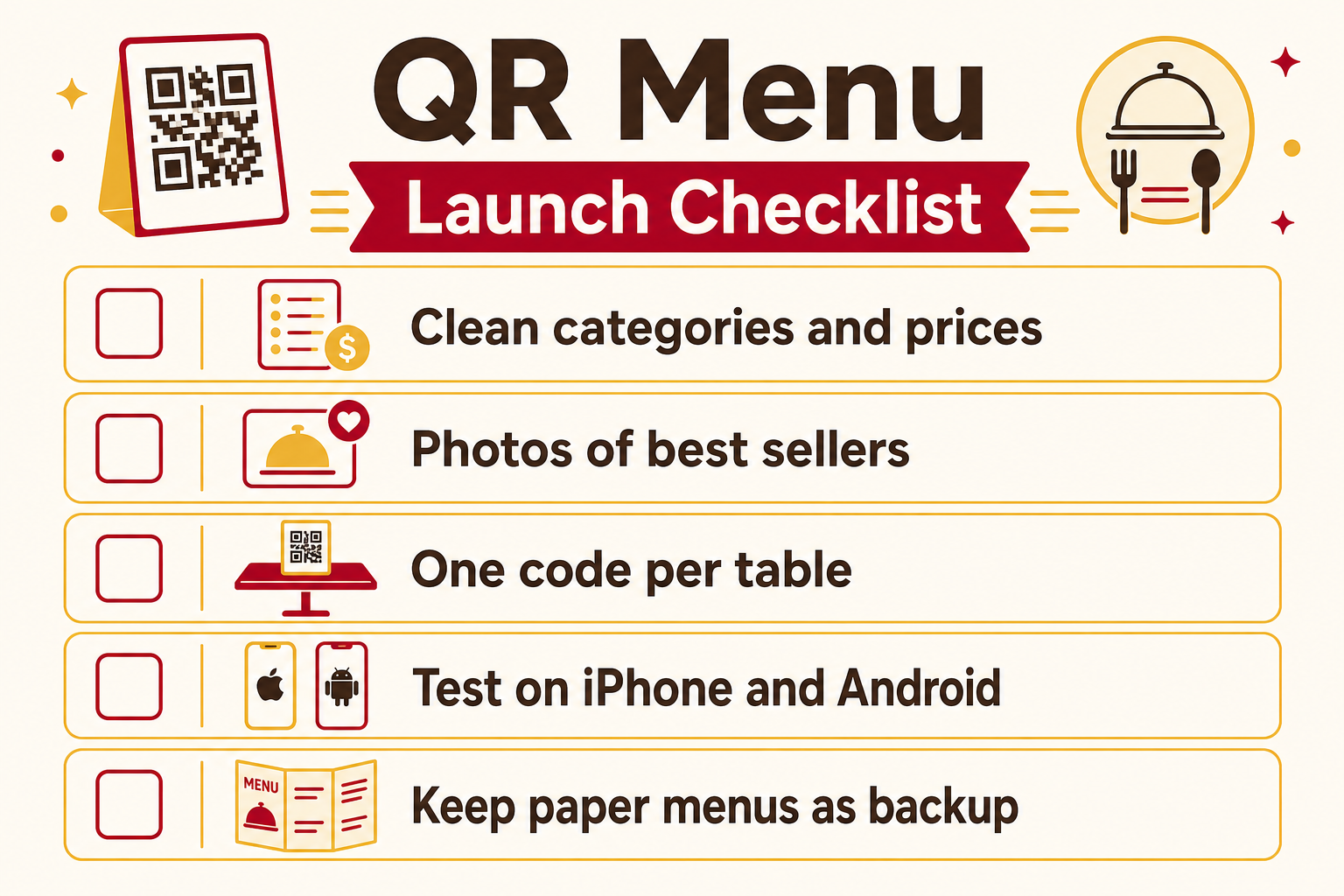
Start with your menu: clean category names, short descriptions, accurate prices and photos of your best sellers. Mark allergens and dietary tags clearly, because guests will lean on them more when no server is explaining the dish.
Then generate a code per table, print them and run a quiet service first to catch problems. Ask your first guests how it felt and adjust. Watch the first few orders end to end: scan, order, ticket on the kitchen screen, food out. Fixing a rough edge on a Tuesday is much easier than on a Saturday night.
Done well, a QR menu is not a gimmick. It is a faster, more accurate way to get the right order from the table to the kitchen.