 Dineator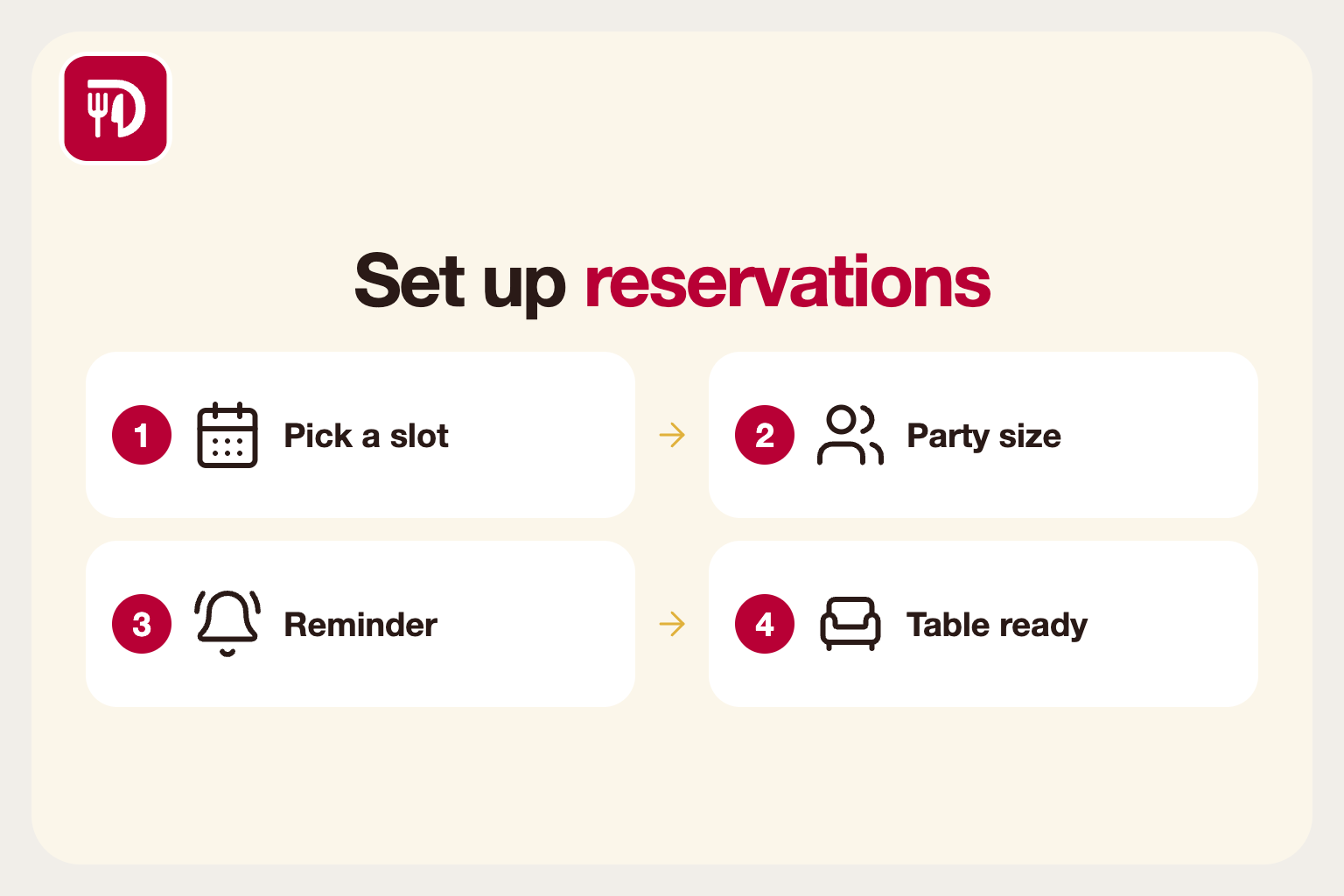
Why reservations need a system
Taking bookings by phone while the dining room is busy means missed calls and missed revenue. A booking system lets guests reserve at any hour, and it gives you a single view of the evening ahead, so the host stand is not relying on a paper diary and memory.
It also helps the kitchen. Knowing how many covers are booked for each hour lets you prep and staff to the real demand rather than a guess.
Decide your rules first
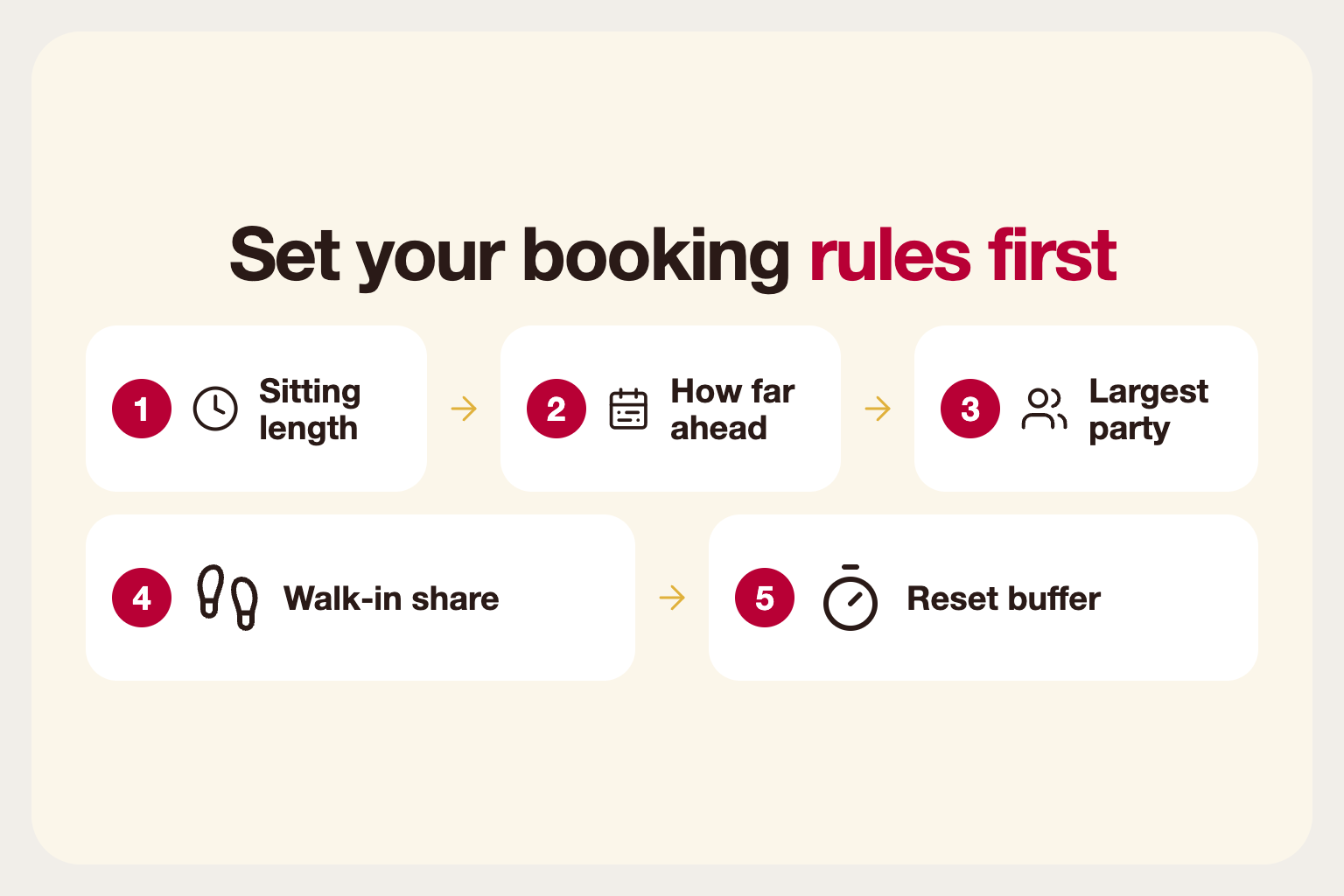
Before choosing any tool, write down your rules. How long is a typical sitting for a table of two, four or six? How far ahead can guests book? What is the largest party you take online, and what happens beyond that? Do you hold a share of tables for walk-ins?
These rules decide your available slots, so get them right. Too-short sittings cause overbooking and a lobby full of annoyed guests; too-long ones leave empty tables and lost revenue. Start cautious and tighten as you learn how your floor really turns.
Match bookings to your real floor
Your system should know your actual tables and their capacity, so a party of five is not placed at a table for two. If tables can be combined for larger groups, make sure the system allows it, and that it knows which tables sit next to each other.
Separate areas matter too. If you have a terrace, a bar and a main room, decide which are bookable and which are first-come. Guests are happier with a clear answer than a surprise on arrival.
Reduce no-shows
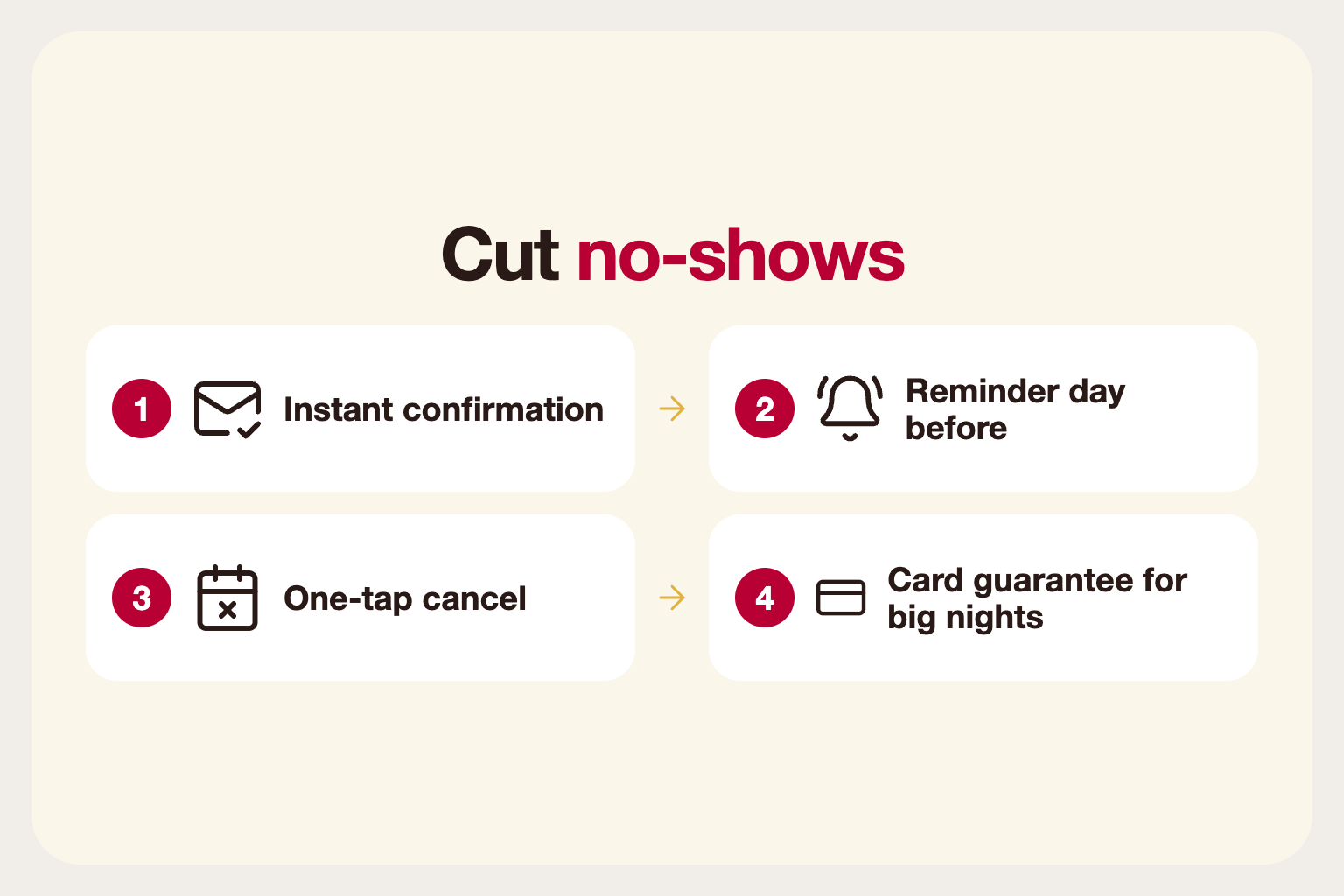
No-shows hurt, especially on busy nights, because an empty table cannot be resold at the last minute. Send a confirmation when a booking is made and a reminder a day before. Make it easy to cancel or change, because a guest who can cancel in one tap is more likely to do it than simply not turn up.
For large parties or peak nights, consider asking for a card guarantee. Make the policy clear at booking so guests are not surprised, and apply it consistently. A waitlist for fully booked slots also lets you refill a cancelled table quickly.
Use the right timezone
Slots and reminders should always follow the restaurant's local time, not the guest's device or the server clock. It sounds obvious, but a mismatch is a classic source of confusion around late-evening bookings and the day boundary, especially when guests book while travelling.
Check the details that depend on it: the cut-off for same-day bookings, the last seating time and when a booking counts as "today". Test them by booking from a device set to a different timezone.
Treat walk-ins and bookings together
Reservations are only half the picture. Walk-ins fill gaps between bookings, so hosts need one view of both. If the system shows which tables free up and when, the host can seat a walk-in for a short sitting before the next booking arrives.
Keep a small buffer between sittings for clearing and resetting the table. A booking that starts the minute the last guests leave is a recipe for an irritated arrival.
Handle large groups and special requests
Big parties need more attention. Ask for the party size, any dietary requirements and the occasion at booking. For groups above your online limit, show a request form and have a manager confirm it. Set a clear deposit or pre-order policy for them.
Give hosts a place to see notes. A birthday, a high chair or an allergy is easy to handle when the host has seen it before the guests arrive, and impossible to handle if it was lost in an email.
Keep the guest experience simple
The booking form should take under a minute: date, time, party size, name and contact. Every extra field loses some guests. Show available times only, so guests do not pick a slot and then hear it is full.
Confirmation matters too. Send an email or message with the date, time, address and a link to change or cancel. Guests who have a clear confirmation are less likely to forget.
Plan for the unexpected
Things go wrong: a table is held up, a party arrives late or a cook calls in sick. Decide in advance how long you hold a table for a late guest, and tell guests in the confirmation. Fifteen minutes is a common grace period, but choose what suits your floor.
Make it easy for hosts to adjust bookings, move parties between tables and block out a table for maintenance or a private event. A flexible system saves service when the plan changes.
Review and adjust
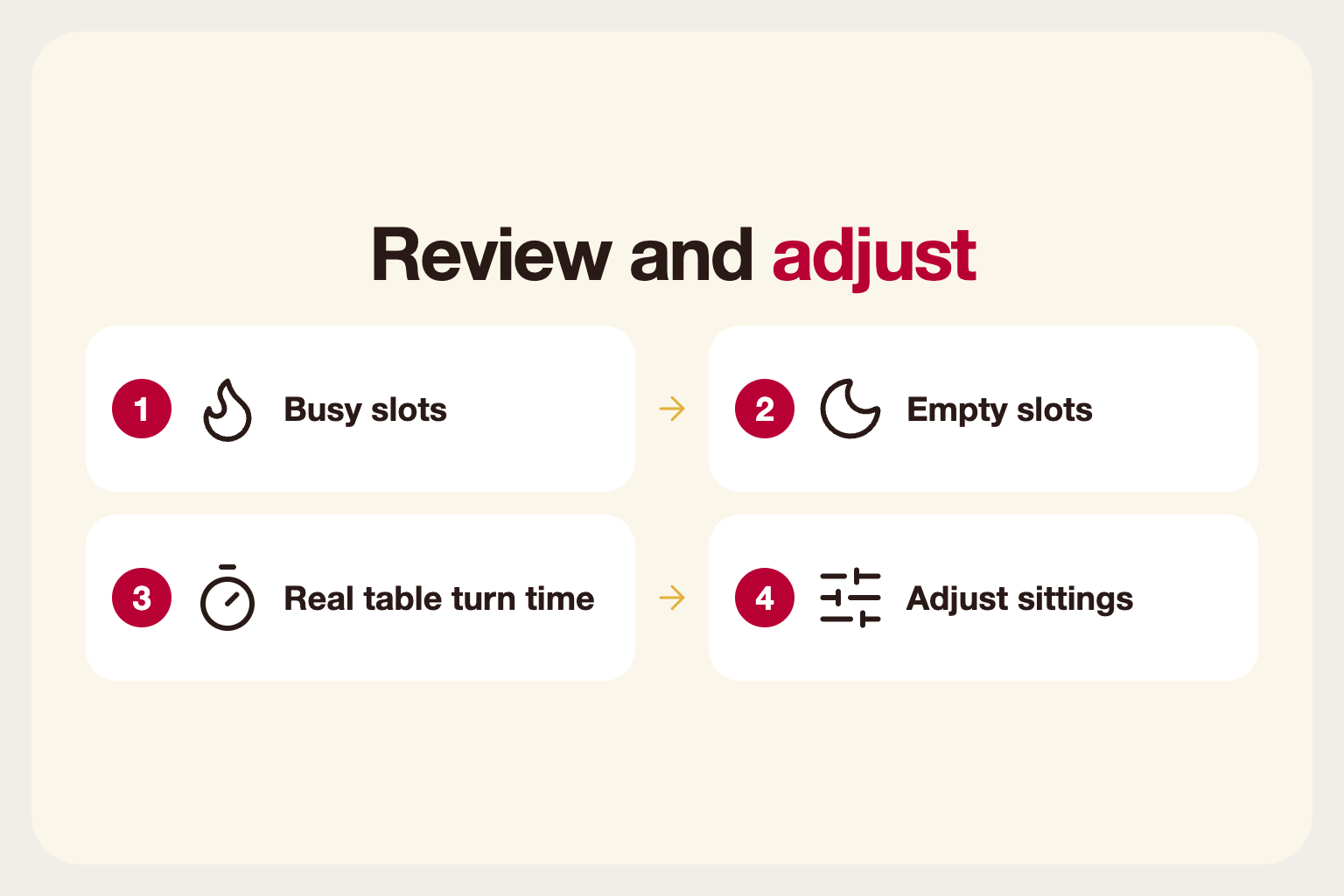
After a few weeks, look at which times fill up, which stay empty and how long tables really take. Adjust sittings and capacity to match. If one slot is always full, consider adding a second sitting; if another is always empty, a promotion might fill it.
A booking system is most useful when you treat its data as feedback on how your floor really runs, not just as a diary.