 Dineator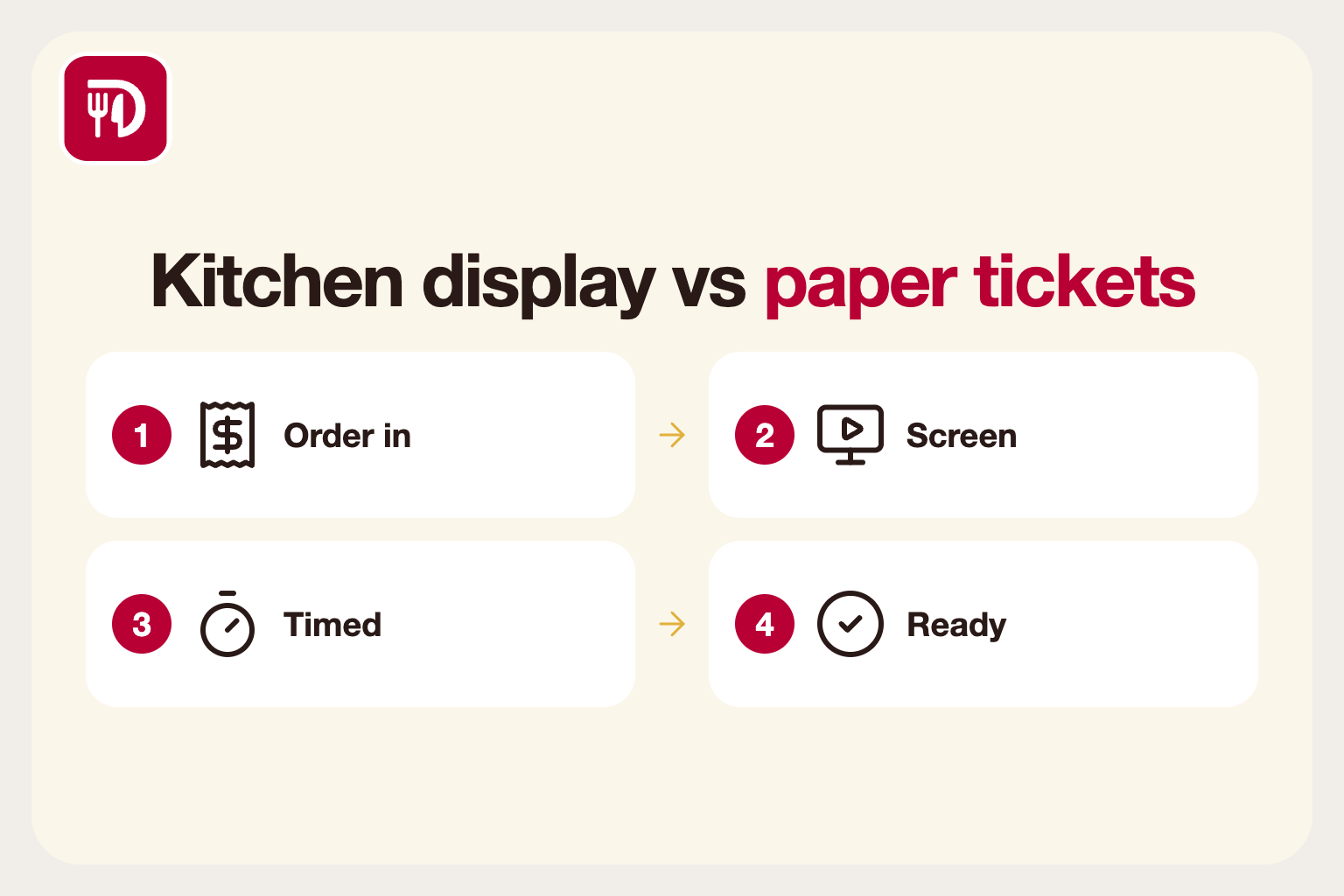
The problem with paper tickets
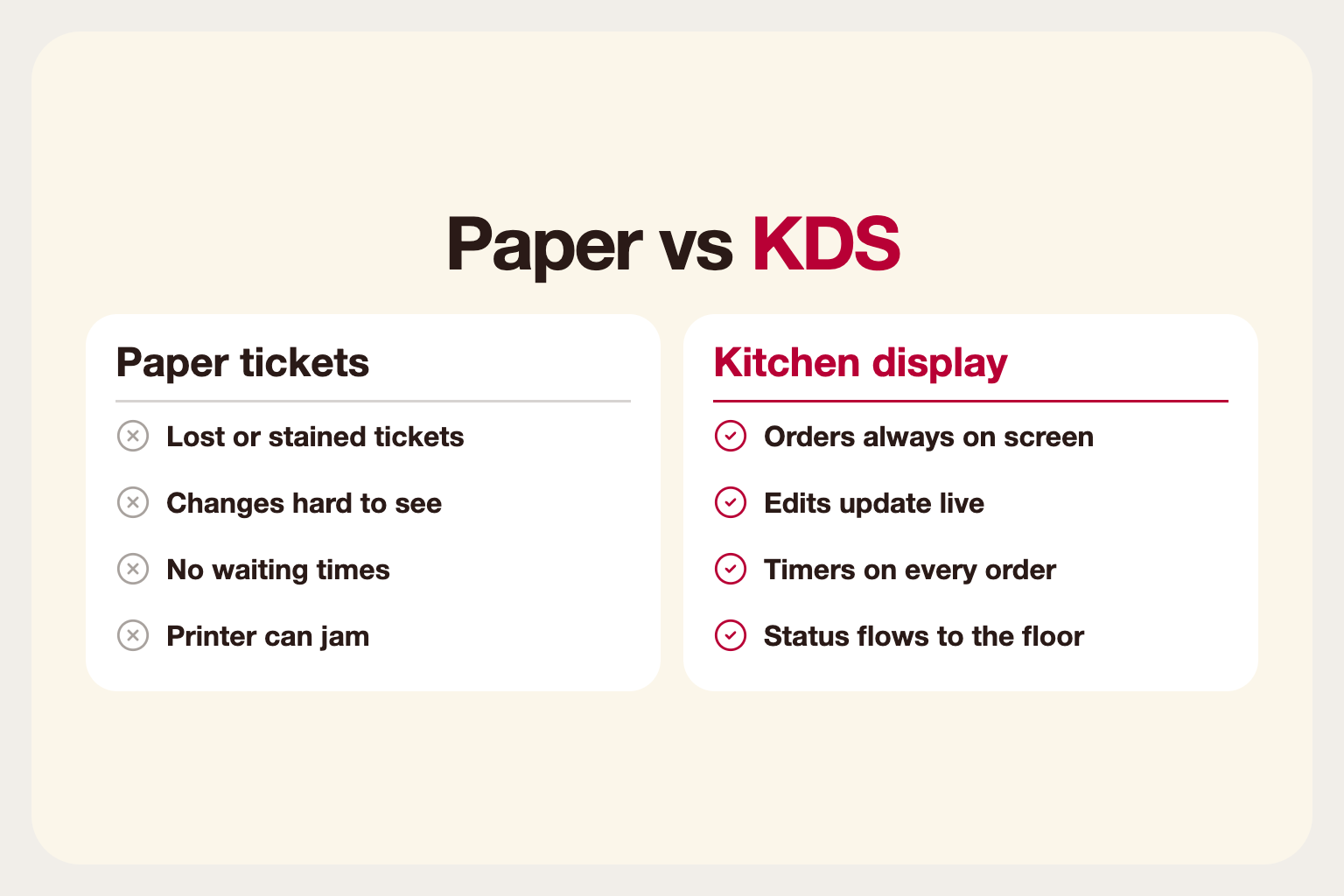
Printed tickets are familiar and cheap, which is why many kitchens still use them. But they have weaknesses. Tickets get lost, stained or hung in the wrong order. Changes are hard to communicate, and a rush of orders turns the rail into a wall of paper that nobody can read at a glance.
Printers also fail at the worst times: out of paper, jammed or out of ink in the middle of a Saturday service. When that happens, orders are delayed and servers end up shouting tickets across the pass.
What a kitchen display system does
A kitchen display system, or KDS, shows orders on a screen in the kitchen. Each order appears as soon as it is placed, with the table, items and modifiers. Cooks mark items as started or ready, and the status flows back to the floor so servers know when to collect.
Because the screen is connected to the rest of the system, orders from the point of sale, the QR table menu and online ordering all land in the same place, in the order they arrived.
Benefits worth caring about
Fewer mistakes: changes and allergy notes appear on the order itself, not on a note taped to it. When an item is edited after sending, the screen updates instead of leaving a stale ticket on the rail.
Visible timing: orders can show how long they have been waiting, helping the team prioritise and helping the expediter spot a ticket in trouble before the guest complains.
Station routing: with several stations, such as grill, cold and bar, each screen shows only the items it makes, so cooks are not reading a long ticket to find their two lines.
Less waste: remakes caused by lost or misread tickets drop, and so does the food thrown away with them.
How station routing works
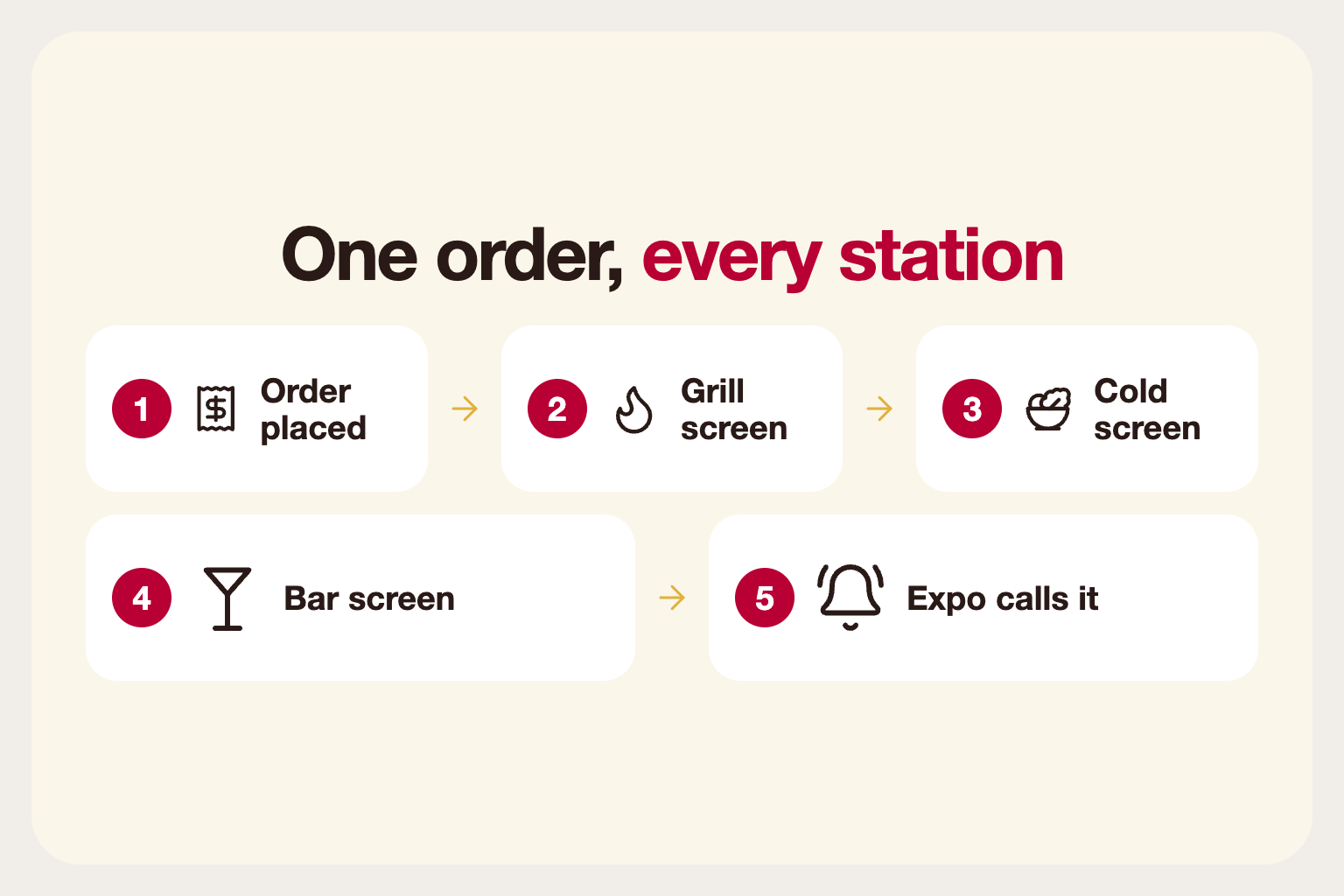
In a busy kitchen, one table's order is rarely cooked by one person. A burger comes off the grill, a salad is made on the cold station and a cocktail is poured at the bar. With routing, each item goes to the right screen automatically, based on the category or item it belongs to.
The expediter can still see the whole order and call it when every part is ready, so plates reach the table together. This is hard to do with paper without photocopying tickets or shouting.
When paper still makes sense
A very small kitchen with a handful of orders per service may not need a screen. Heat, grease and space can also be a concern, so choose a sturdy, wipeable display placed where it can be seen from every station. Some kitchens keep a printer as a backup for when the network drops.
If your team is nervous about change, start with one station rather than the whole kitchen.
Choosing the hardware
A kitchen is a hostile environment: heat, steam, grease and splashes. Pick a screen that can be wiped clean, mount it out of the way of splashes and place it where cooks can see it without turning around. Avoid glare from overhead lights.
Check network coverage in the kitchen as well. A wired connection is usually more reliable than Wi-Fi in a busy back-of-house.
Handling the busiest moments
Test your setup under load before you rely on it. During a rush, a screen needs to show many orders without becoming unreadable. Use colours or timers to flag late orders, and make sure that the oldest order stays at the top.
Have a fallback plan. If the screen or the network fails, know how orders will reach the kitchen. A printer in a drawer is cheap insurance.
Measure the difference
After a few weeks, compare before and after. Are remakes down? Do tickets reach the table faster? Does the expediter spend less time hunting for orders? Even simple observations from the team are valuable data.
Use timing data where the system provides it. Average ticket times by station show where the bottleneck is, whether it is the grill, the cold station or plating. Fix the bottleneck rather than blaming whoever is nearest.
Rolling it out
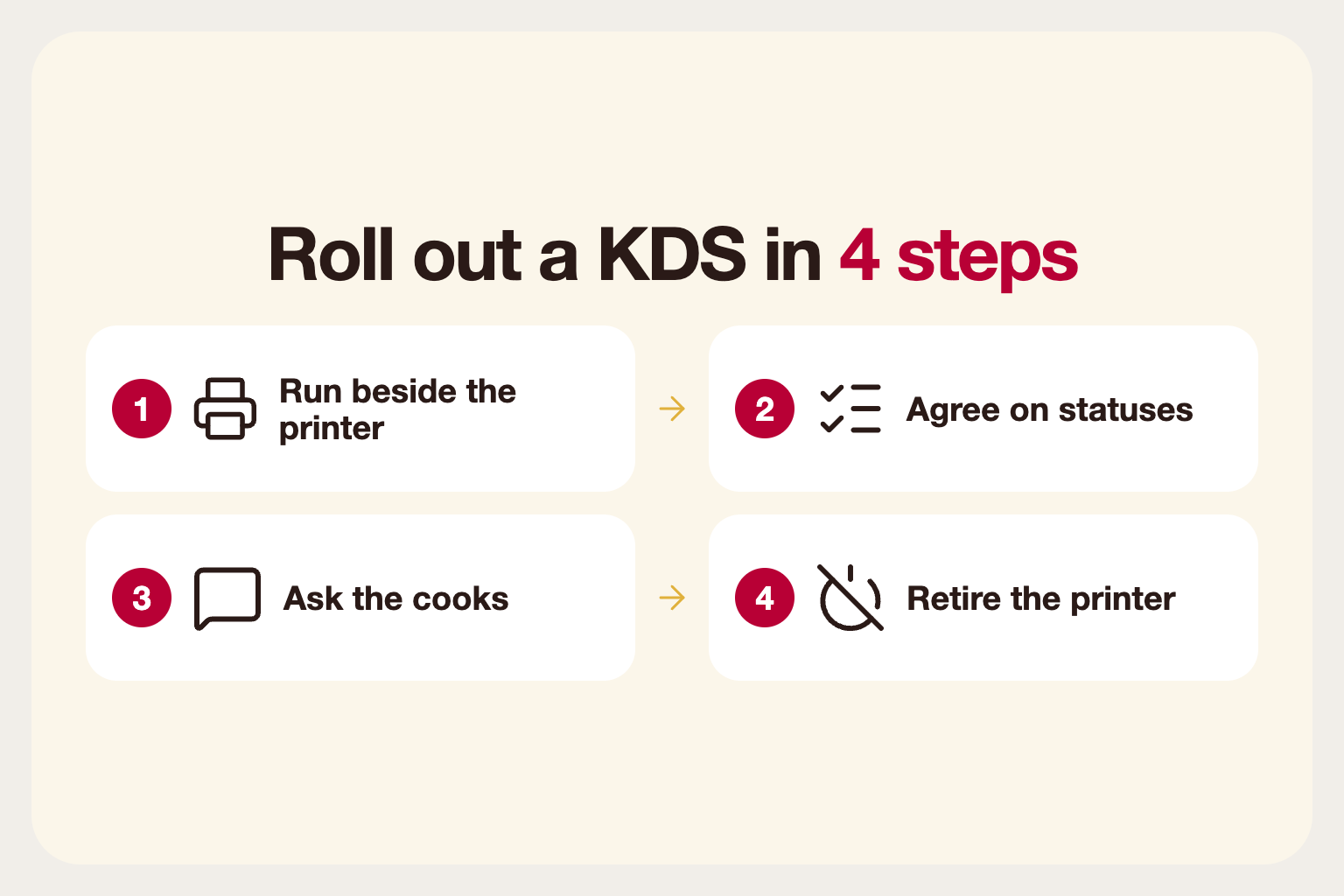
Introduce it gradually. Run the screen next to the printer for a few services so the team can trust it. Agree on simple conventions for statuses, such as what "started" and "ready" mean, and ask the cooks what they would change. A system the kitchen likes will be used; one imposed on them will be worked around.
Once the team stops reaching for the printer, switch it off, and keep it in a drawer for emergencies.