
 Dineator Crew
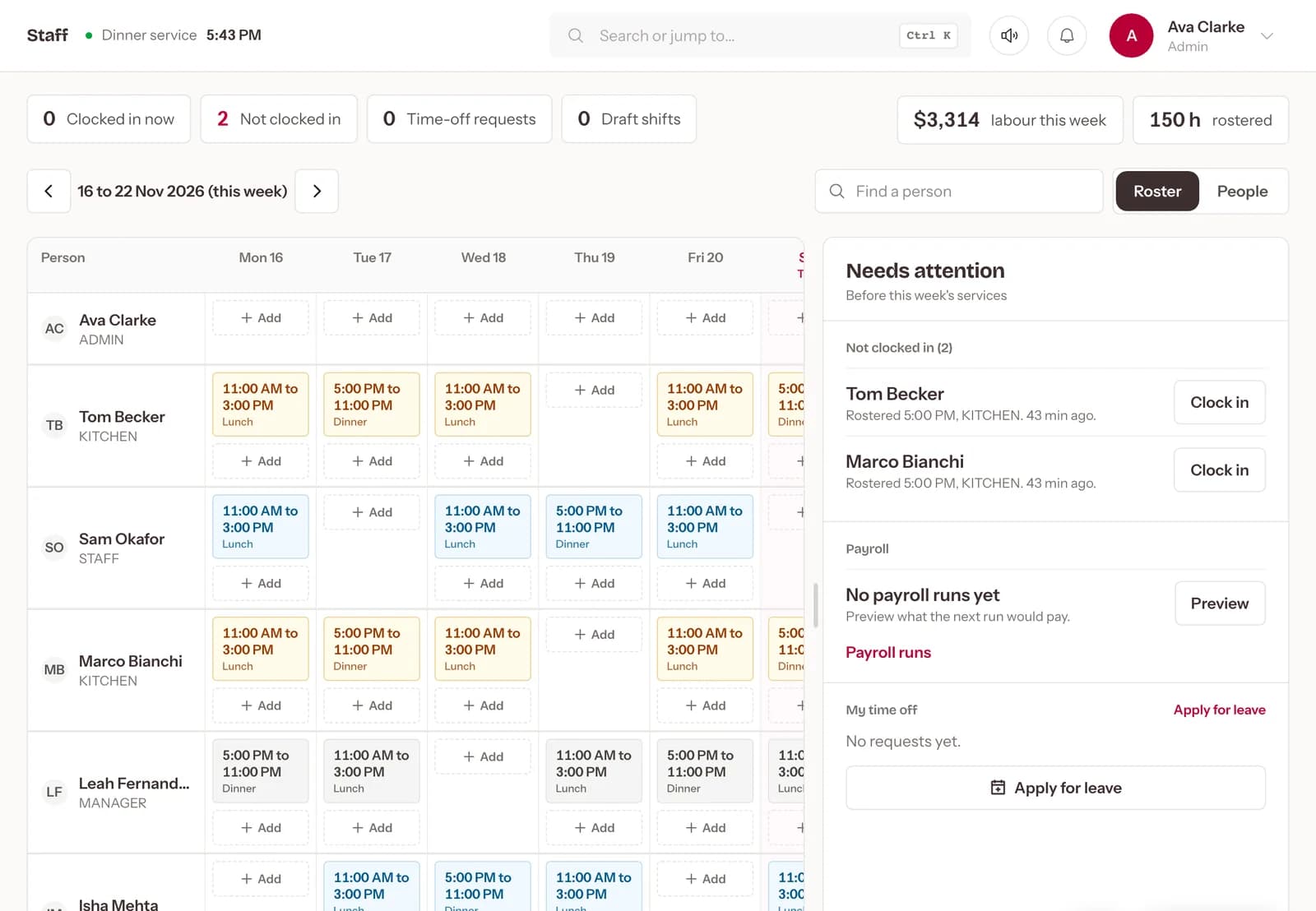
Rosters in minutes. Plan the week, let staff clock in with a PIN, and pay from the hours they actually worked.
Dinner shift
5:00 PM to 11:00 PM
What changes. One problem at a time, with Dineator Crew.
TodayThe roster lives in a group chat and changes get missed.
With CrewBuild the week from your shift types, get suggestions for empty shifts, and publish it when it is ready.
TodayHours are written on paper and argued over on payday.
With CrewStaff clock in and out with a PIN or an NFC tap, and timesheets show breaks and overtime for the pay period.
TodayPayroll means rebuilding hours in a spreadsheet.
With CrewGenerate a payroll run from those timesheets and each person's rate.
TodayEveryone can see everything.
With CrewAdmin, Manager, Staff and Kitchen roles, plus your own, so each person sees only what they need.
Everything in it. What Dineator Crew does for your restaurant, every day.
Weekly roster
Lunch and dinner shifts for the whole team, with hours and labour cost for the week.
Suggested cover
Empty shifts get suggested cover, added as drafts for you to check.
Publish when ready
Staff only see the roster once you publish it.
PIN and NFC clock-in
Clock in at the till or tap a card on the staff app.
Timesheets and leave
Breaks, overtime and leave requests in one place, exportable for your accountant.
Payroll runs
Pay worked out from the timesheets and each person's hourly rate or salary.


