
 Dineator HQ
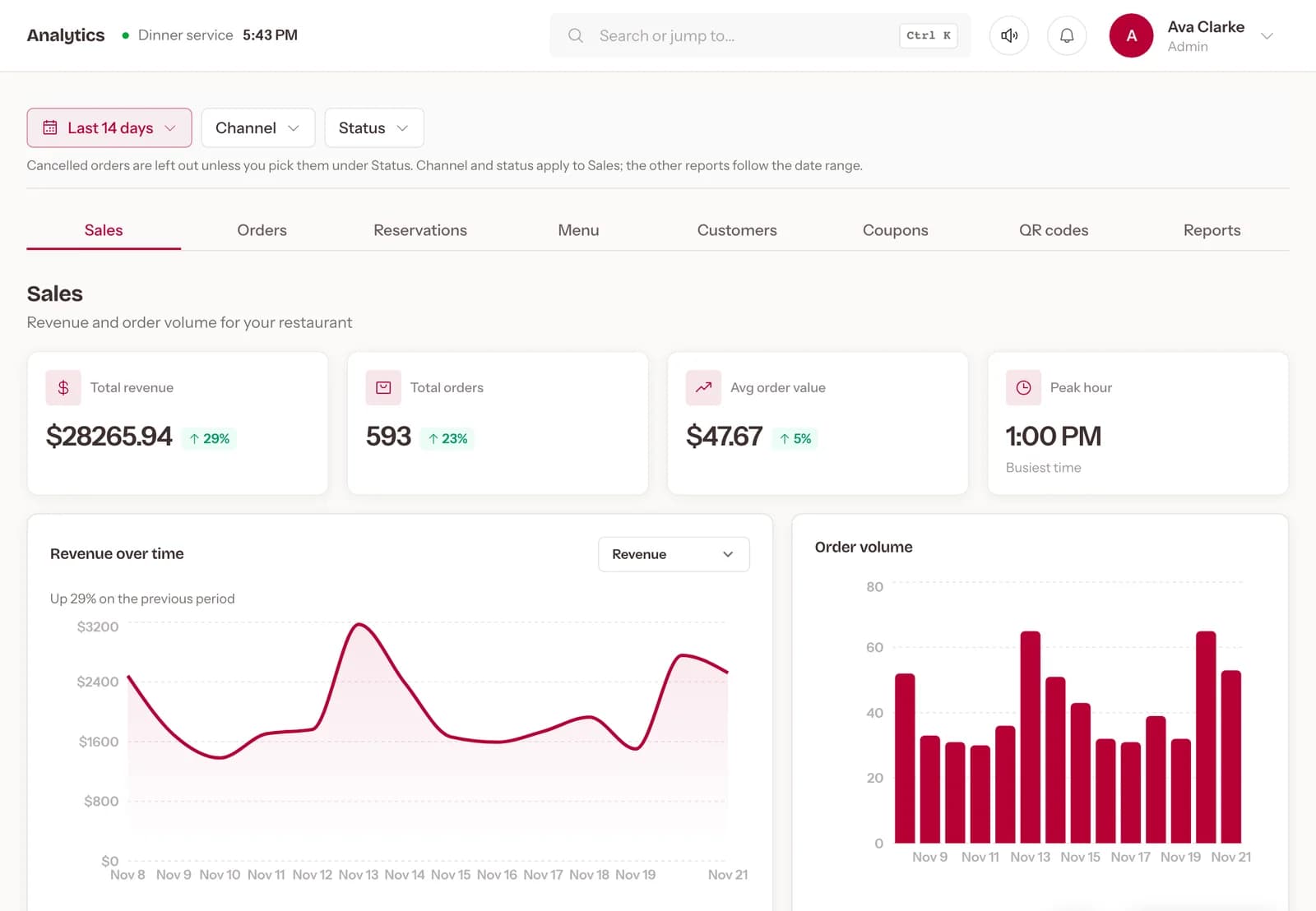
Know your numbers. Sales, best sellers, peak hours and stock for every location, and a monthly report in your inbox.
- Revenue
- $26,145 +9%
- Orders
- 548
- Top dish
- Butter chicken
- Busiest hour
- 7 PM
What changes. One problem at a time, with Dineator HQ.
TodayNumbers are spread across the till, the bank and the delivery apps.
With HQSales, top dishes and peak hours in one dashboard, and a monthly PDF report by email.
TodayEach location is run on its own.
With HQEvery outlet in one dashboard, with reports for each restaurant.
TodayIngredients run out in the middle of service.
With HQTrack stock levels, expiry and reorders, and raise purchase orders.
TodayCard payments and refunds live in another app.
With HQTake payments through Stripe, Square or Helcim, and refund from the order itself.
Everything in it. What Dineator HQ does for your restaurant, every day.
Sales at a glance
Revenue, orders, average order and the busiest hour for any date range, by channel.
Monthly report
A PDF in the owner's inbox at the start of each month.
Every location
Switch between outlets or see them side by side, with roles per restaurant.
Stock and purchasing
Levels, expiry and low-stock alerts, and purchase orders to your suppliers.
Payments and refunds
Stripe, Square or Helcim, with refunds from the order itself.
Export anything
Download sales and your customer list as CSV.
Works with what you already use
 Card payments into your own account.
 Card payments, connected by signing in to Square.
 Card payments into your own account.


